
GPT Image 2.6 is OpenAI's newest image model, in the same two versions as 2.5: Sunburst and Flare. The short answer: use 2.6 at high quality or above, where it costs the same as 2.5, and when the image has a lot of text or a complex layout. For quick drafts at low or medium quality, 2.5 costs much less and is often all you need.
What's new in GPT Image 2.6
- A planning setting. A new complexity control sets how much the model plans before it renders, which is meant to help with dense text and complex layouts. It doesn't change the price, and AiWings uses the highest setting.
- Speed. OpenAI reports 50% faster generation than the previous version. We haven't measured this ourselves.
- More consistent edits. OpenAI reports more consistent results across edits at medium and high quality.
- SVG and GIF output. The model can now make real vector files and short looping GIFs, and you can generate both on AiWings. See the sections below.
What each one costs
Sunburst and Flare cost the same as each other in both versions. Here's the price per image on AiWings:
| Quality | GPT Image 2.5 | GPT Image 2.6 | Difference |
|---|---|---|---|
| low | 2 credits ($0.02) | 7 credits ($0.07) | 2.6 is 5 credits more |
| medium | 6 credits ($0.06) | 12 credits ($0.12) | 2.6 is 6 credits more |
| high | 16 credits ($0.16) | 16 credits ($0.16) | Same price |
| xhigh | 31 credits ($0.31) | 31 credits ($0.31) | Same price |
| max | 63 credits ($0.63) | 63 credits ($0.63) | Same price |
Prices are at the top-up rate of $0.01 per credit, and plans include more credits per dollar.
The same prompts, side by side
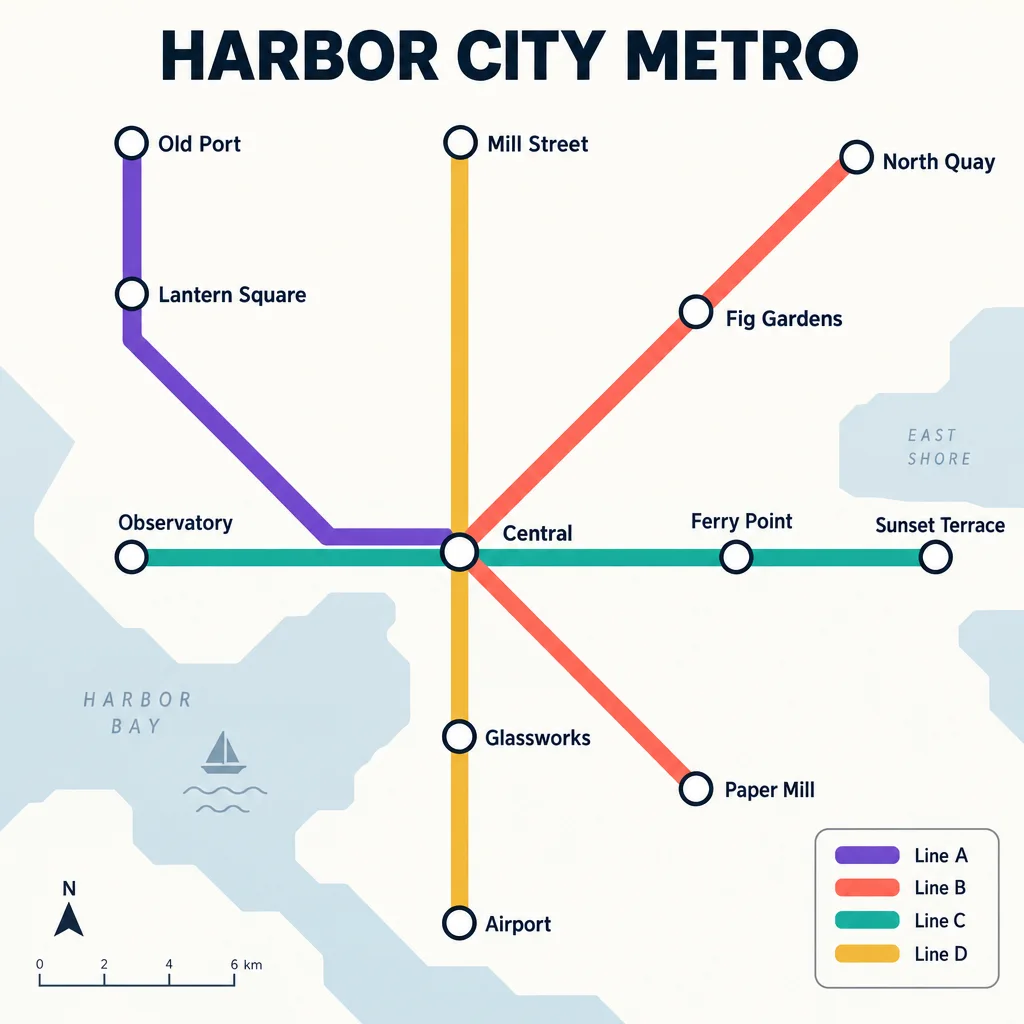
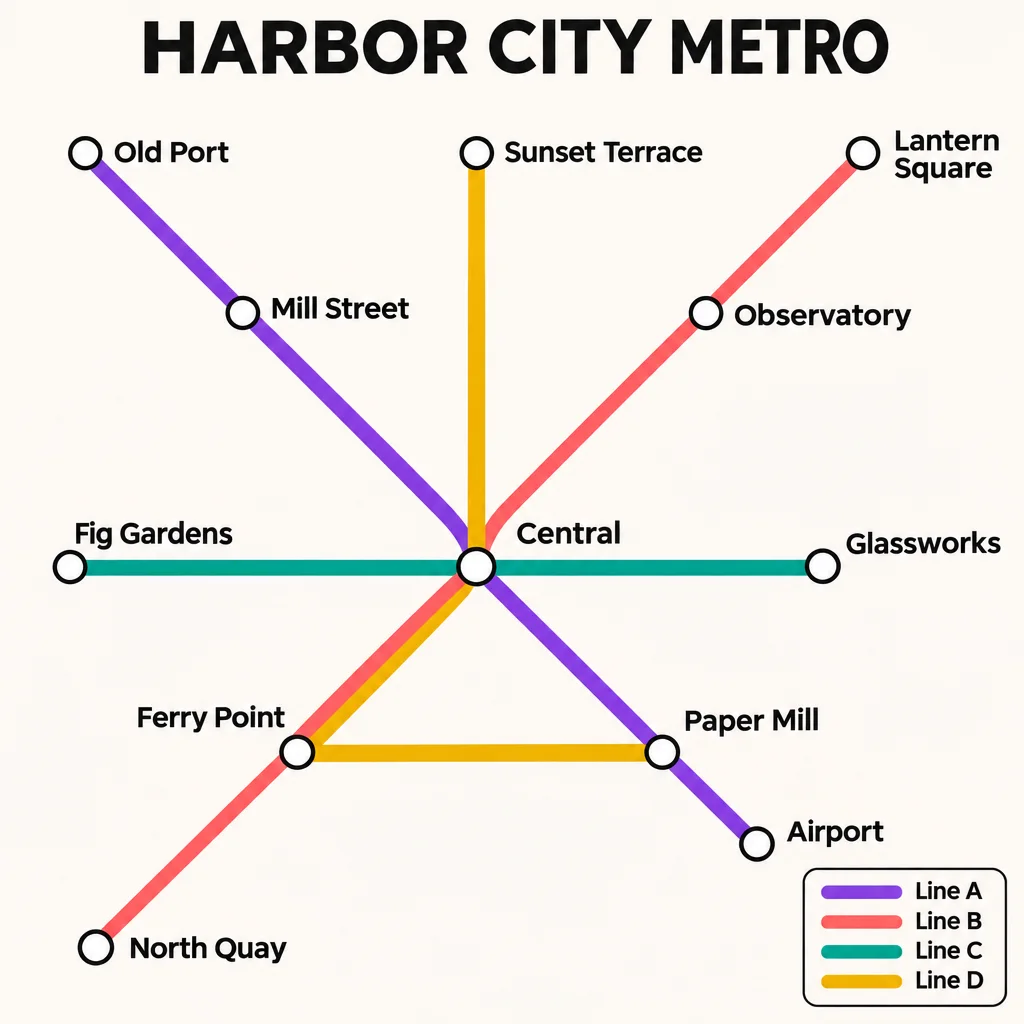
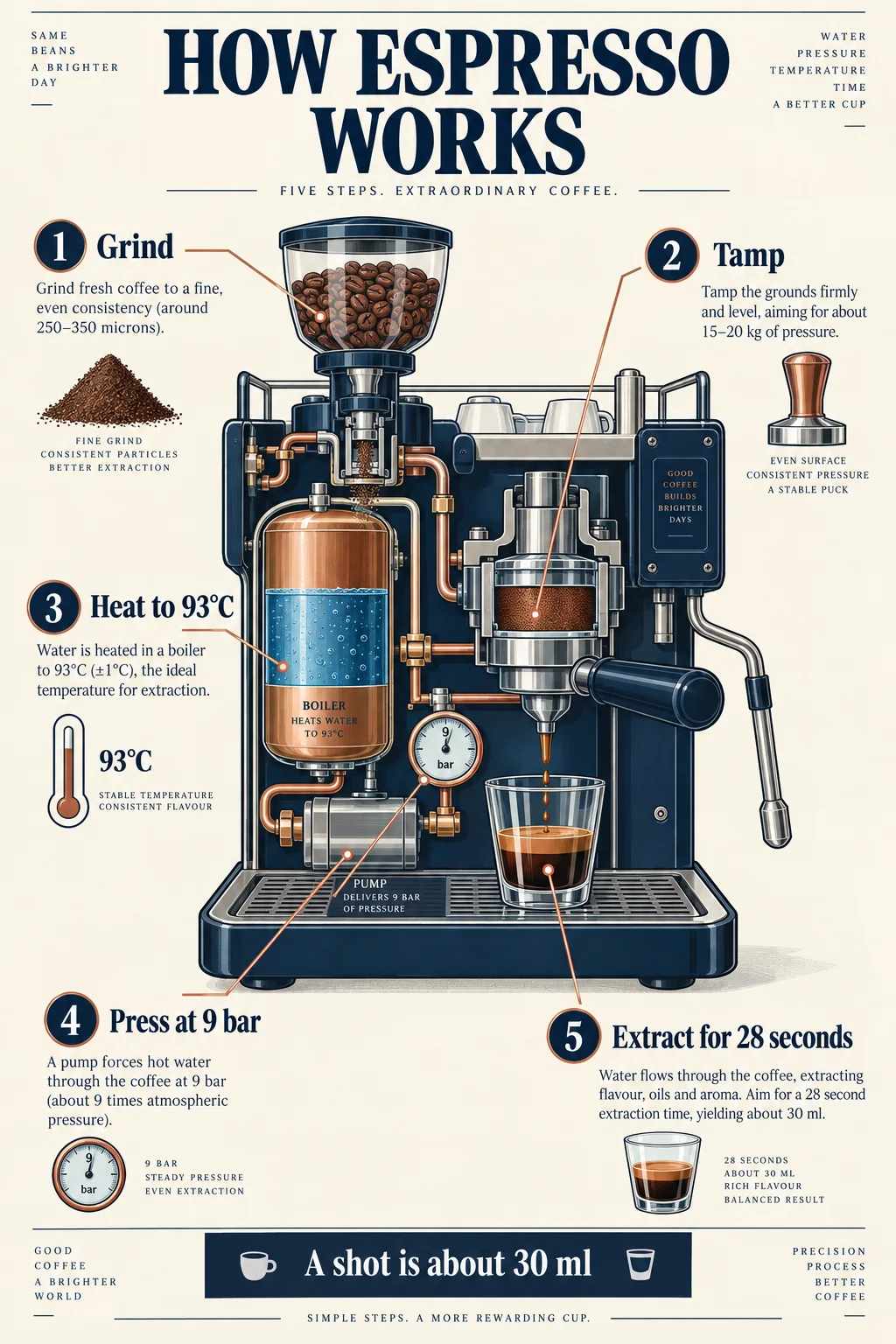
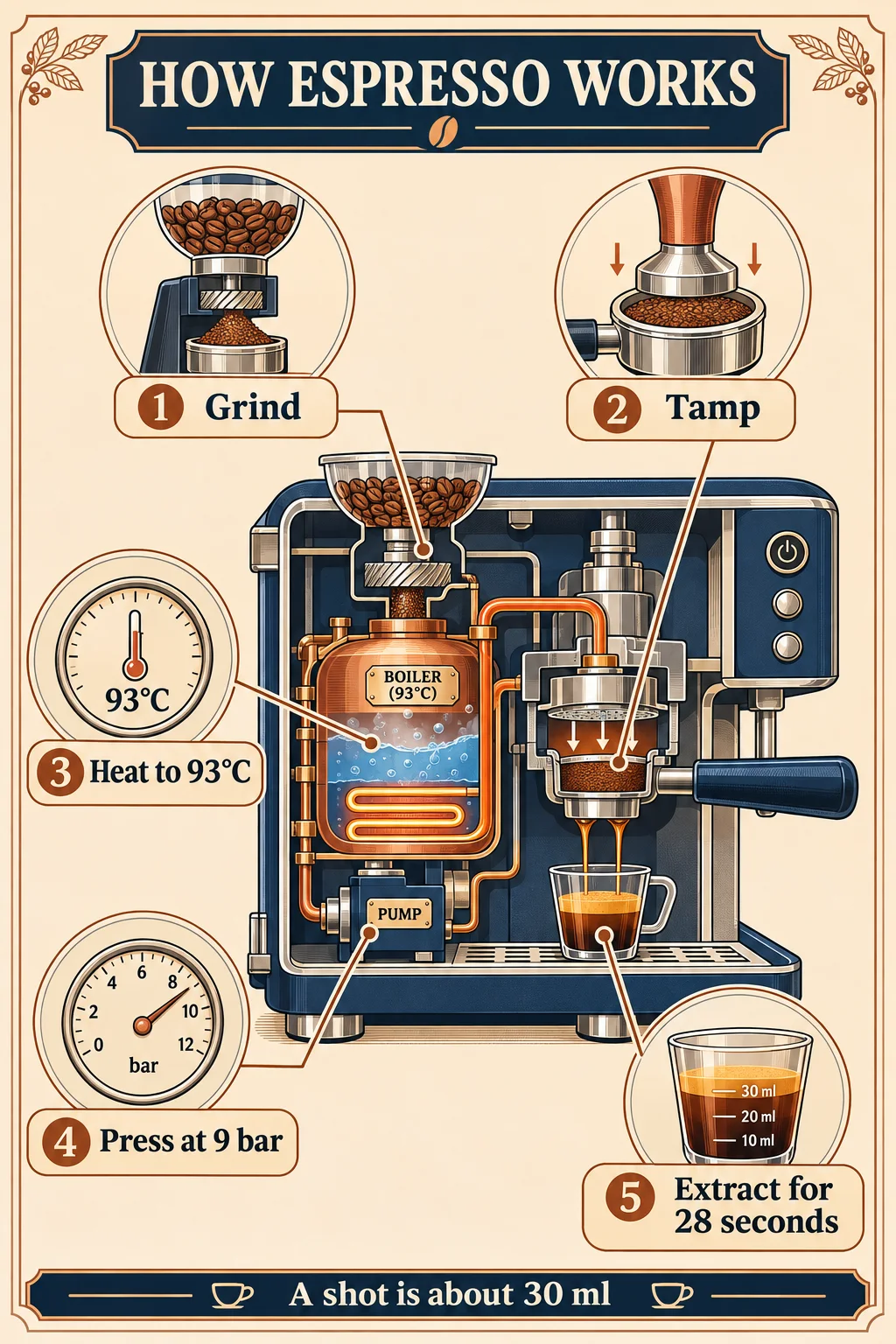
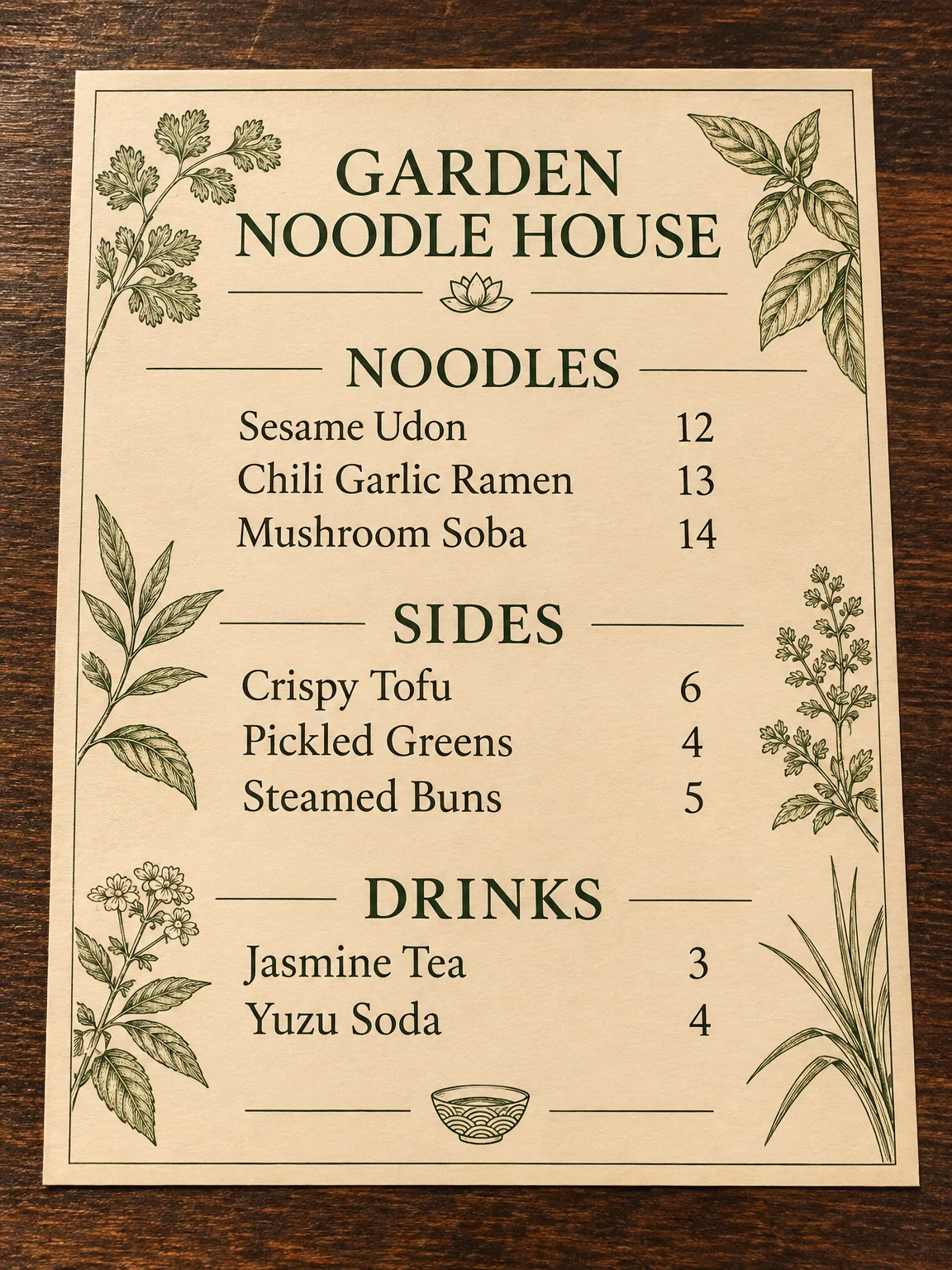
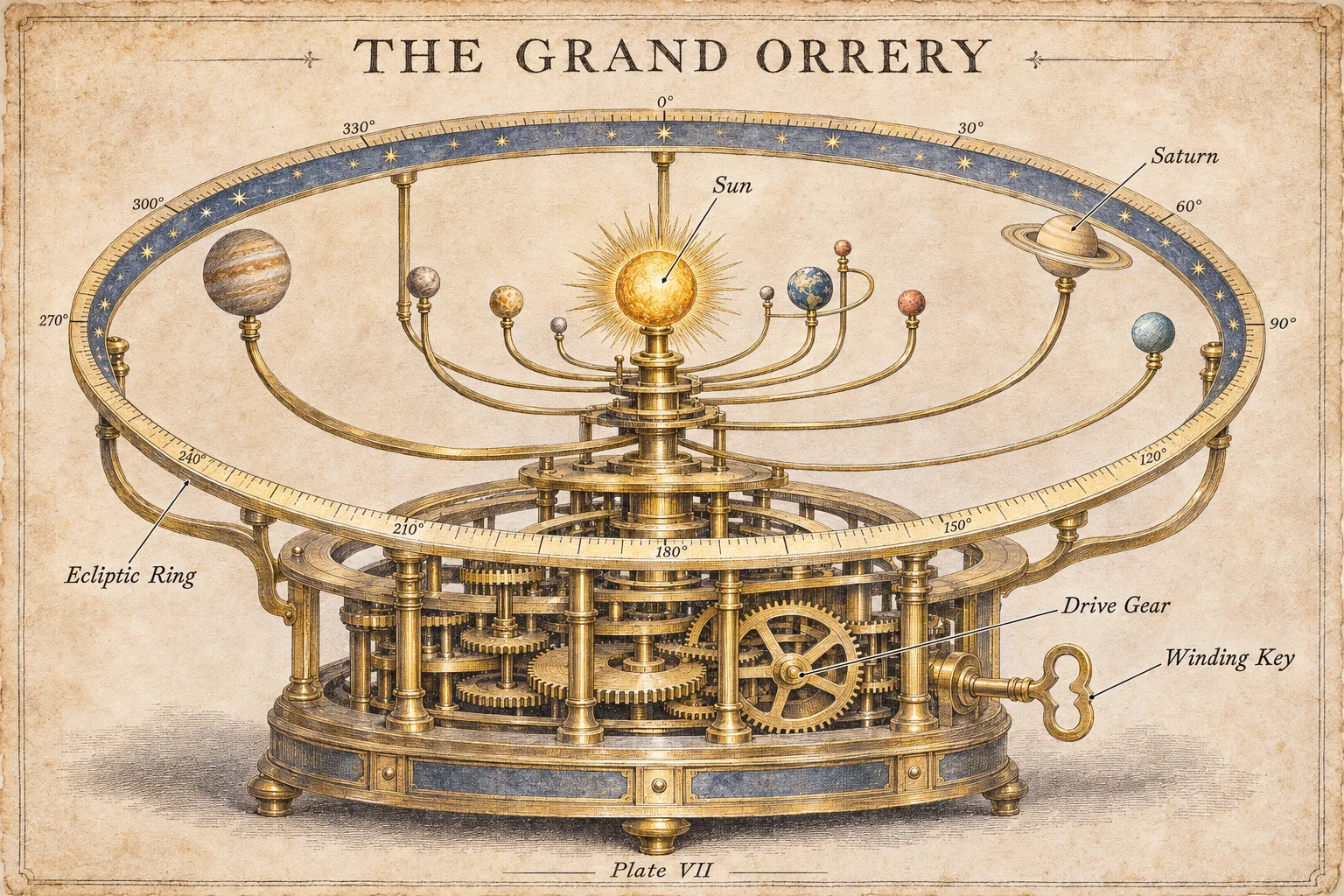
We ran the same two text-heavy prompts through GPT Image 2.5 Sunburst and GPT Image 2.6 Sunburst at the same quality. Both are real, unedited results. This is one run of each, so treat it as an example rather than a verdict.
Both versions spelled every label we asked for correctly. The difference was in how closely they followed the brief. GPT Image 2.5 added things we didn't request: a bay, compass and scale bar on the map, and extra captions, slogans and figures on the infographic. GPT Image 2.6 stayed closer to what the prompt asked for.
Which you prefer depends on the job. Extra detail can look richer, but invented text and figures have to be checked and removed if you're making something real.
New in 2.6: real SVG files
GPT Image 2.5 can only make pixels. GPT Image 2.6 can also return a real vector file that stays sharp at any size, which is useful for logos, icons and flat illustrations. On AiWings each SVG costs a flat 25 credits ($0.25).
There are limits: SVGs are new images only, with no references or edits, and they can take up to about two minutes. These are real, unedited results:


New in 2.6: short GIFs
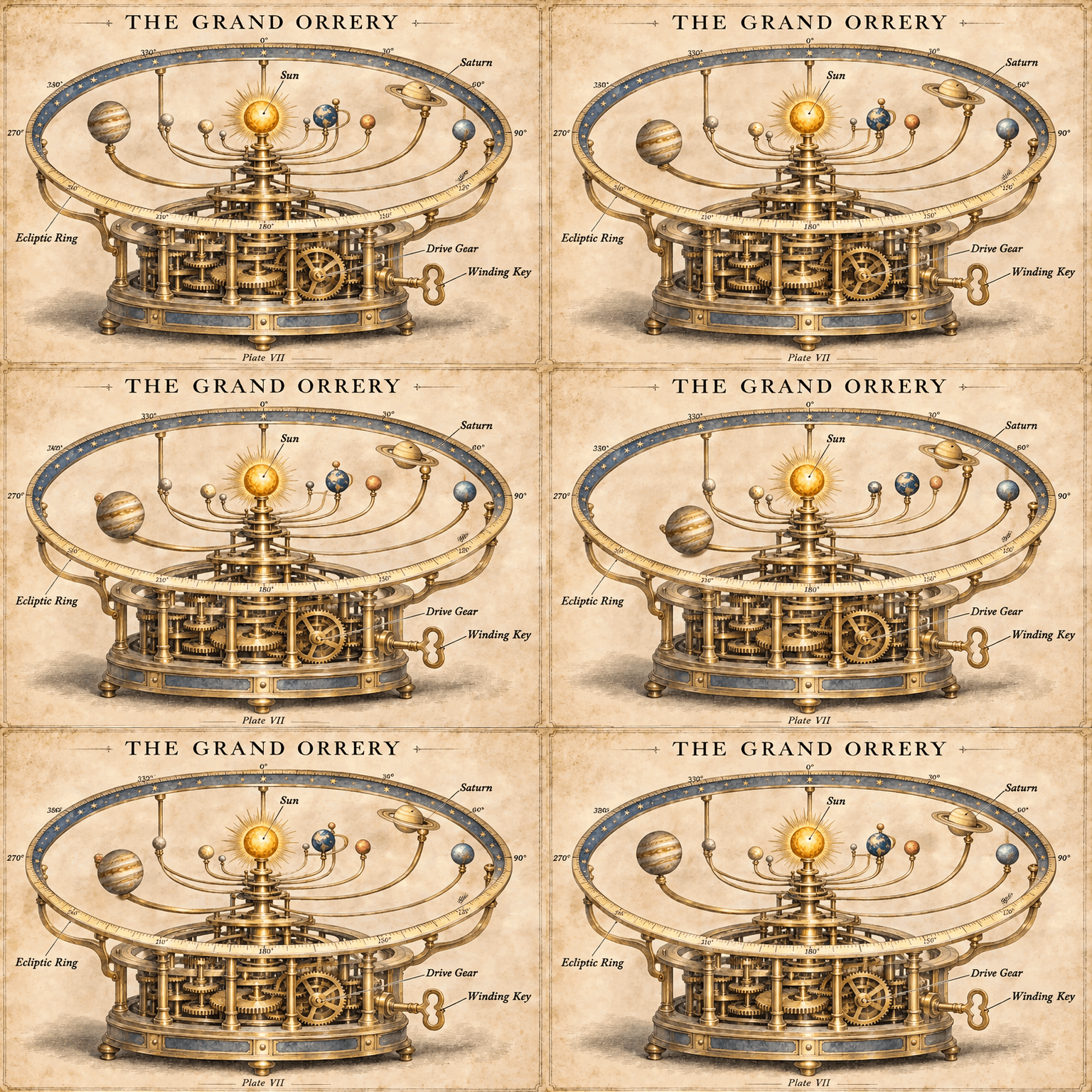
GPT Image 2.6 can also make short looping GIFs, from text or from one image. On AiWings each one costs a flat 16 credits ($0.16), and it's a 9-frame loop, 512 pixels on its short side. These are real, unedited results:

Which one should you use?
- Use 2.6 at high, xhigh or max. It costs the same as 2.5 there, so there's little reason not to try the newer model first.
- Use 2.6 for menus, infographics, maps, pricing pages and anything else where the text has to be exactly what you wrote.
- Use 2.6 for repeated edits to the same image, where OpenAI reports more consistent results at medium and high quality.
- Use 2.5 for low and medium drafts. At low quality it costs less than a third as much, so you can explore far more ideas for the same credits.
- Compare them on your own prompt. Credits are shared, so trying both only costs one extra image.
Sunburst or Flare?
Within GPT Image 2.6, the choice works much the same as in 2.5, and both versions cost the same. Flare is the fast model for everyday images and edits. Sunburst is the one to pick when you need more detail or tighter edits.
How to use GPT Image 2.6
In Claude, ChatGPT or Cursor, connect AiWings once and name the model in your request. Through the API, set the model field to gpt-image-2.6-sunburst or gpt-image-2.6-flare. Your saved default stays the same until you change it.
Use AiWings with GPT Image 2.6 Sunburst at high quality to make a one-page menu for my noodle house. Here are the items and prices.FAQ
Is GPT Image 2.6 better than 2.5?
For complex layouts and dense text it's built to be, because it plans more before it renders. In our two side-by-side tests, 2.6 stuck closer to the brief, while 2.5 added extra details we hadn't asked for. For drafts and simple images, 2.5 is still a strong choice and costs much less.
Does GPT Image 2.6 cost more than 2.5?
At low and medium quality, yes: 7 and 12 credits on AiWings against 2 and 6. At high, xhigh and max, the two cost the same.
Will my AiWings default change to 2.6?
No. Your saved default stays as it is, and GPT Image 2.5 stays available. Name 2.6 in a request whenever you want it.
Can I make GIFs and SVGs with GPT Image 2.6 on AiWings?
Yes, both. Ask your agent for one, or send "format": "svg" or "format": "gif" through the API. An SVG is a flat 25 credits and a GIF is a flat 16 credits.