
Cursor can build the whole interface, but it can’t draw the icons, the mockups or the graphics that go in it. OpenAI’s GPT Image models aren’t built into Cursor either. Add AiWings as an MCP server once, and the Cursor agent can generate GPT Image 2.5, GPT Image 2 and GPT Image 1.5 images and save them straight into your project.
What you need
- Cursor with Agent mode.
- An AiWings account (sign in with Google). Images use credits from your AiWings balance.
- About a minute.
Step 1: Add AiWings to Cursor
The fastest way is the one-click Add to Cursor button on the AiWings Cursor page. To set it up by hand, follow these steps.
- 1Add the config below to ~/.cursor/mcp.json (every project) or .cursor/mcp.json (this project only).
- 2Open Cursor Settings → MCP and click Connect next to AiWings.
- 3Sign in to AiWings in the browser window and allow access.
- 4Check that AiWings shows a green dot and its tools are listed.
{
  "mcpServers": {
    "aiwings": { "url": "https://aiwings.io/api/mcp" }
  }
}Step 2: Ask the agent for a GPT Image picture
In Agent mode, describe the asset and name the model, and a quality level if you want one. The agent calls AiWings, runs GPT Image and shows the image in the chat before it touches any files.
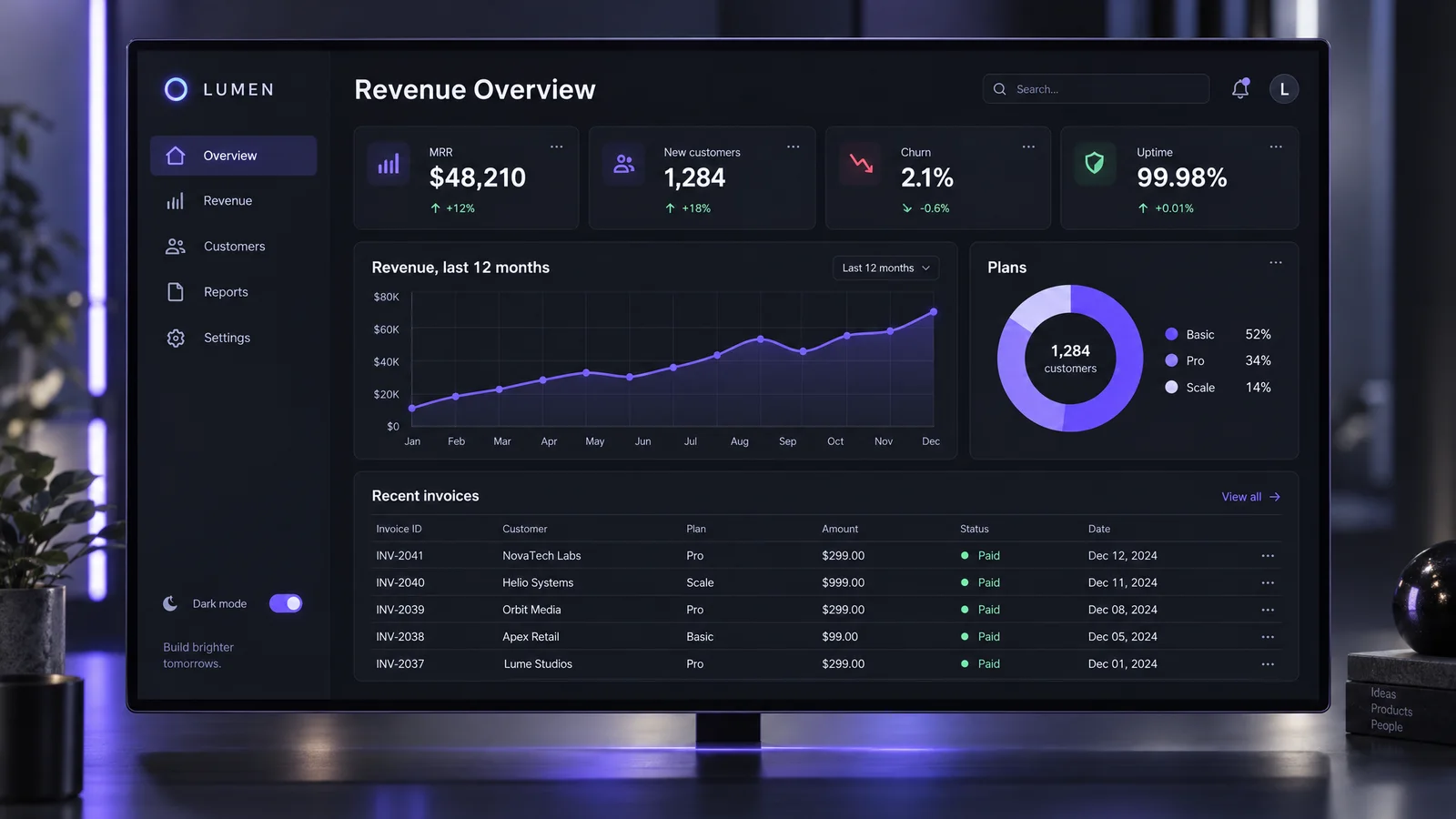
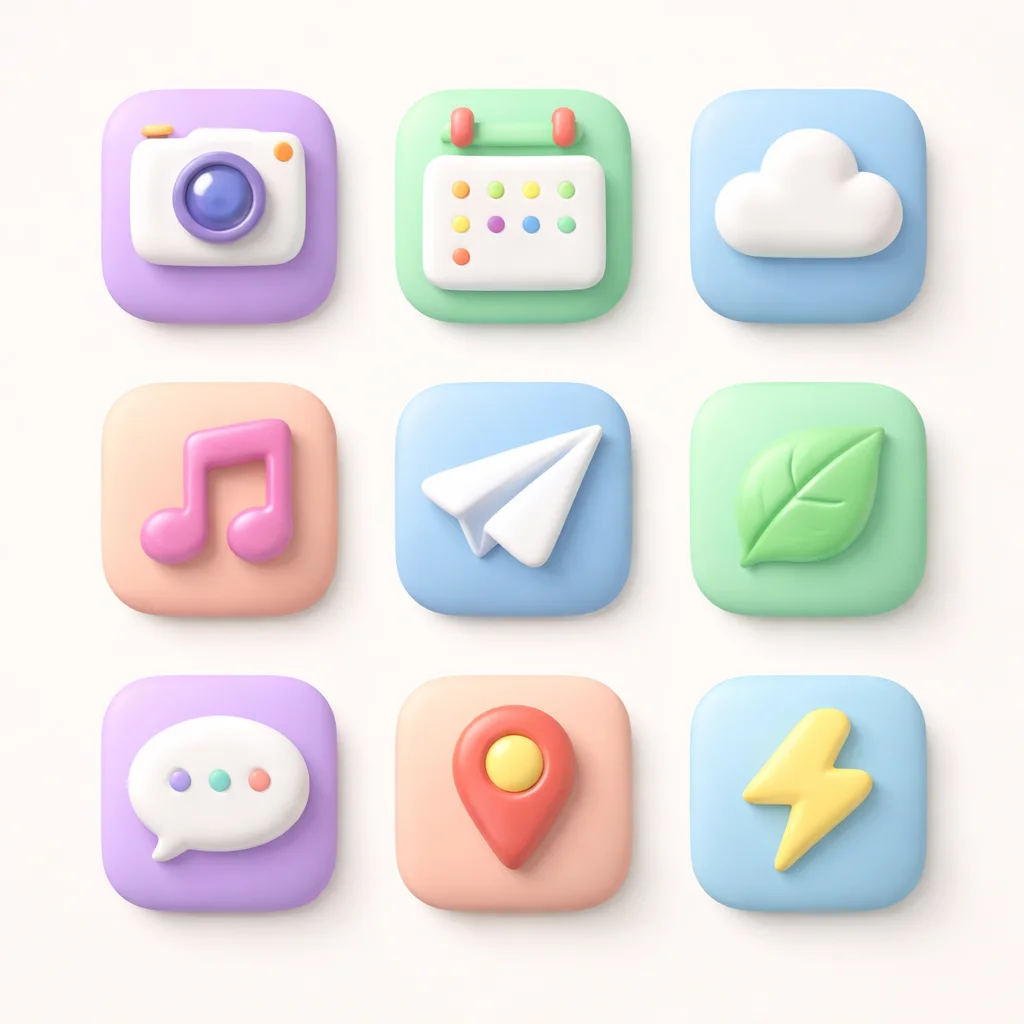
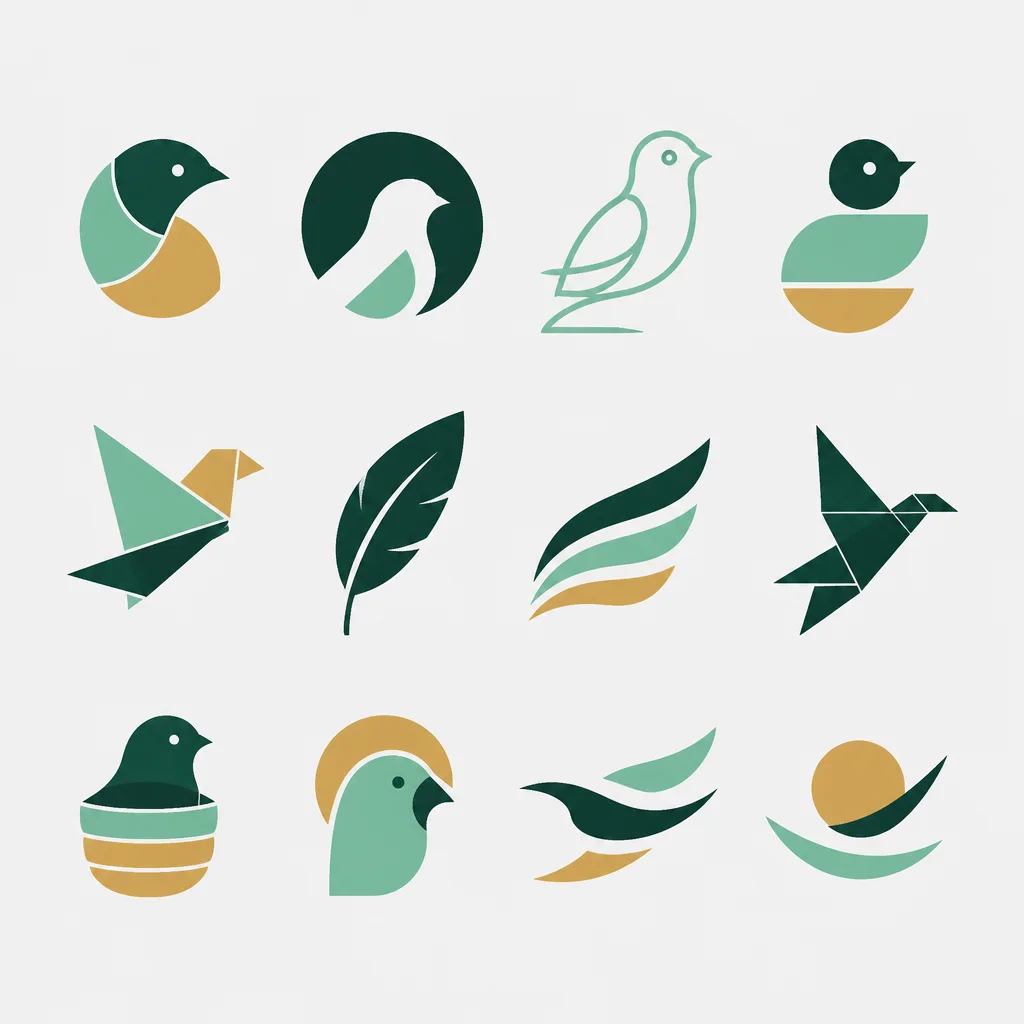
Use GPT Image 2.5 at high quality to make a 16:9 dashboard mockup for my analytics app, with a revenue chart, four stat cards and a sidebar. Use violet as the accent color.GPT Image is especially good at interfaces and exact text. Real, unedited results from the GPT Image models, the kind of assets an app needs:
Step 3: Save it into your project
This is where Cursor shines. Ask the agent to download the image into your assets folder and wire it into the code in the same request. You review the diff like any other change.
Save that mockup to public/images/dashboard.webp and add it to the Features section of the landing page inside a browser-frame component, with a caption underneath.You can also describe a whole set at once, such as “make nine matching 1:1 app icons at low quality and save them to public/icons/”, and the agent will generate and save each one.
Which GPT Image model to pick
All of them work the same way in Cursor. Pick by the asset:
| Model | Quality levels | Reference images | Cost per image | Best for |
|---|---|---|---|---|
| GPT Image 2.5 Sunburst | low, medium, high, xhigh, max | Up to 10 | 2–63 credits ($0.02–$0.63) | UI mockups, dense text, final assets |
| GPT Image 2.5 Flare | low, medium, high, xhigh, max | Up to 10 | 2–63 credits ($0.02–$0.63) | Layouts and everyday graphics |
| GPT Image 2 | low, medium, high | Up to 10 | 2–16 credits ($0.02–$0.16) | Logos, brand boards, packaging |
| GPT Image 1.5 | low, medium, high | Up to 10 | 2–17 credits ($0.02–$0.17) | Icon sets and edits that keep every detail |
Prices are at the top-up rate of $0.01 per credit, and plans include more credits per dollar. Start at low quality to explore, then re-run the winner at high or above. To stop naming the model every time, tell the agent “make GPT Image 2.5 at medium my default”.
Tips for app assets
- Ask for the exact shape the layout needs: 16:9 for a hero or mockup, 1:1 for icons and cards, 2:3 for a poster.
- Mention your brand colors and the style of your existing UI so new images match the site.
- Explore at low quality, finish at high: the low tier costs a fraction and is enough to compare directions.
- Put exact words in quotes and say where they go, for example a button reading “Get started”.
- Name files and folders in the request so the agent doesn’t guess, and ask for WebP at the size you actually display.
If something doesn’t work
- The agent says it can’t make images: check that AiWings is enabled in Cursor Settings → MCP and that you’re in Agent mode.
- AiWings shows a red dot: click Connect again and finish the sign-in in your browser.
- No tools listed: check that the URL in mcp.json is exactly https://aiwings.io/api/mcp, then restart Cursor.
- Out of credits: top up from your AiWings dashboard, then ask the agent to try again.
Bottom line
Cursor can’t draw on its own, but with AiWings added as an MCP server, GPT Image becomes part of your build: generate the asset, save it and use it in your code in one request. The same server also gives Cursor Nano Banana, Imagen, Seedream and Seedance video.
FAQ
Can Cursor use GPT Image natively?
No. Cursor’s agent writes and edits code, but it can’t create images, and OpenAI’s GPT Image models aren’t built in. You add them as an MCP server, such as AiWings, and then ask the agent for GPT Image by name.
Does it work in Agent mode?
Yes. Ask the agent for an image in plain words. It calls the AiWings image tool, shows you the result in the chat, and can save it into your project when you ask.
Which GPT Image model should I use for app assets?
GPT Image 2.5 (Sunburst or Flare) for UI mockups and anything with text (2 to 63 credits across five quality levels), GPT Image 2 for brand and packaging work (2 to 16 credits), and GPT Image 1.5 when you’re editing an existing asset and every detail has to stay the same (2 to 17 credits).
Can I generate images from my own code instead of the editor?
Yes. If your app needs to create images for its users, call the AiWings API from your code. It uses the same GPT Image models and the same credits as the Cursor integration.
Should I add it for one project or all of them?
Use ~/.cursor/mcp.json to have GPT Image in every project, or .cursor/mcp.json inside a repo to add it to that project only, for example to share the setup with your team.