
If you searched “Nano Banana in ChatGPT”, here’s the short answer: ChatGPT doesn’t include Google’s Nano Banana models. Its built-in images come from OpenAI’s own model. You can still use Nano Banana, Nano Banana 2 and Nano Banana Pro inside ChatGPT by adding AiWings as a plugin. It takes about two minutes, and after that you just ask for Nano Banana by name.
What you need
- A ChatGPT account on a plan that lets you add custom MCP plugins.
- An AiWings account (sign in with Google). Images use credits from your AiWings balance.
- About two minutes.
Step 1: Add AiWings to ChatGPT
You only do this once. After that, Nano Banana is available in every new ChatGPT chat.
- 1In ChatGPT, open Plugins in the sidebar and click Add.
- 2Choose Add custom MCP server and name it AiWings.
- 3Paste the server URL below and keep Authentication set to OAuth.
- 4Tick the confirmation box and click Create as a plugin.
- 5Sign in to AiWings when the window opens and allow access.
https://aiwings.io/api/mcpStep 2: Ask for a Nano Banana image
Start a new chat and name the model in your request. ChatGPT calls the AiWings image tool, runs Nano Banana, and shows the result right in the conversation.
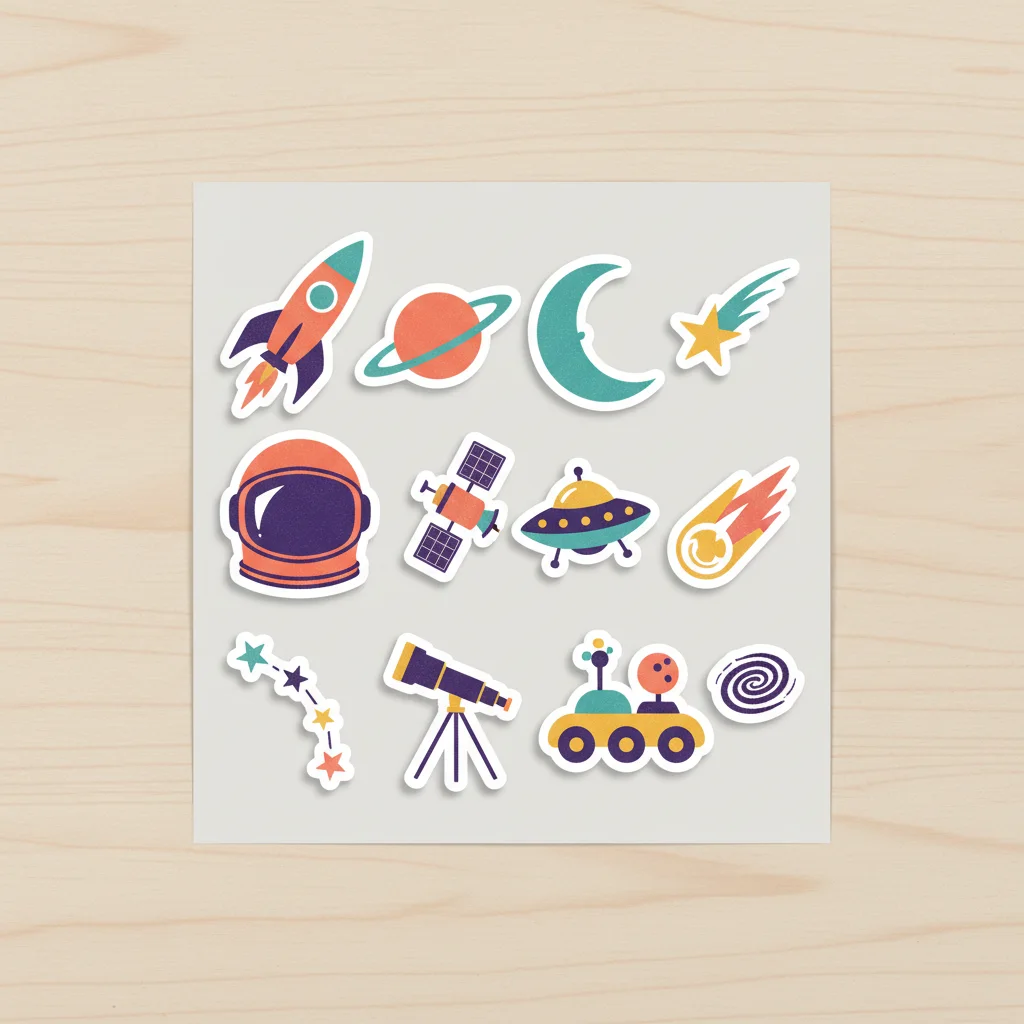
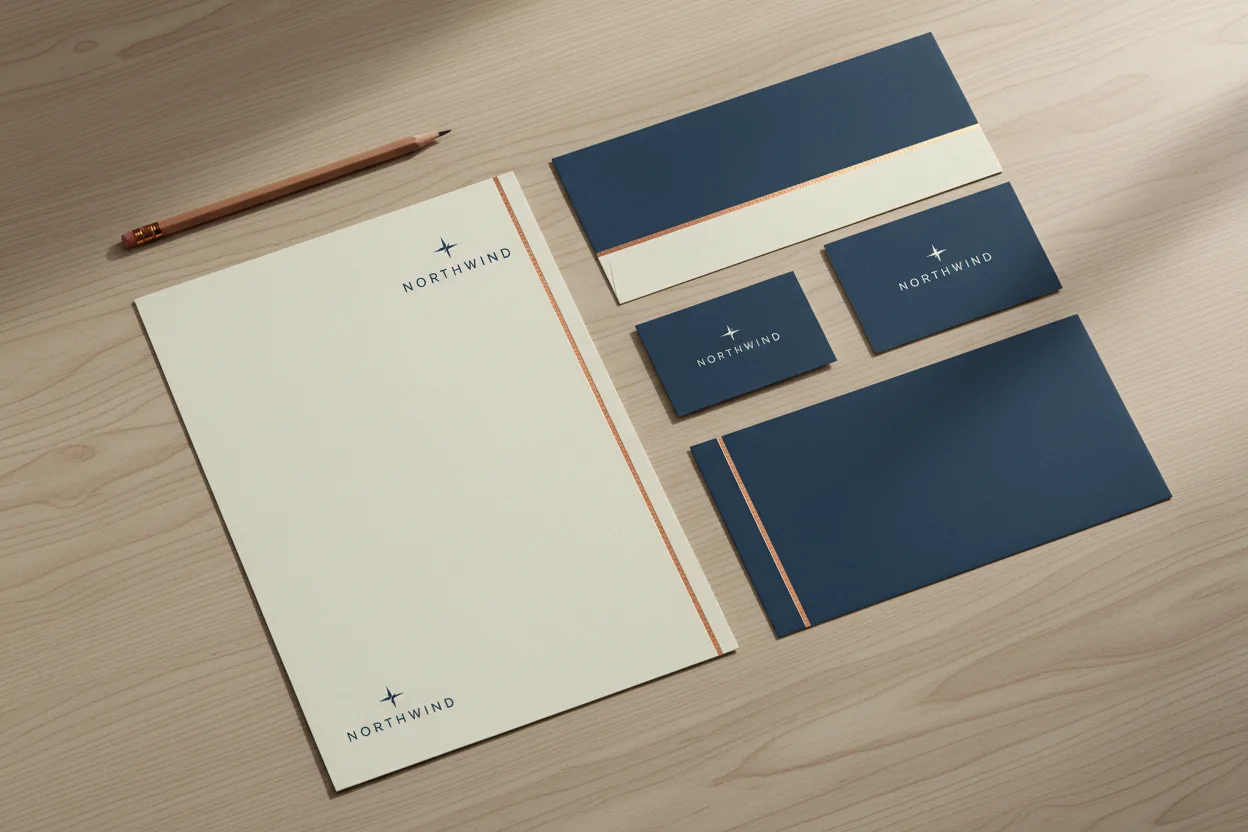
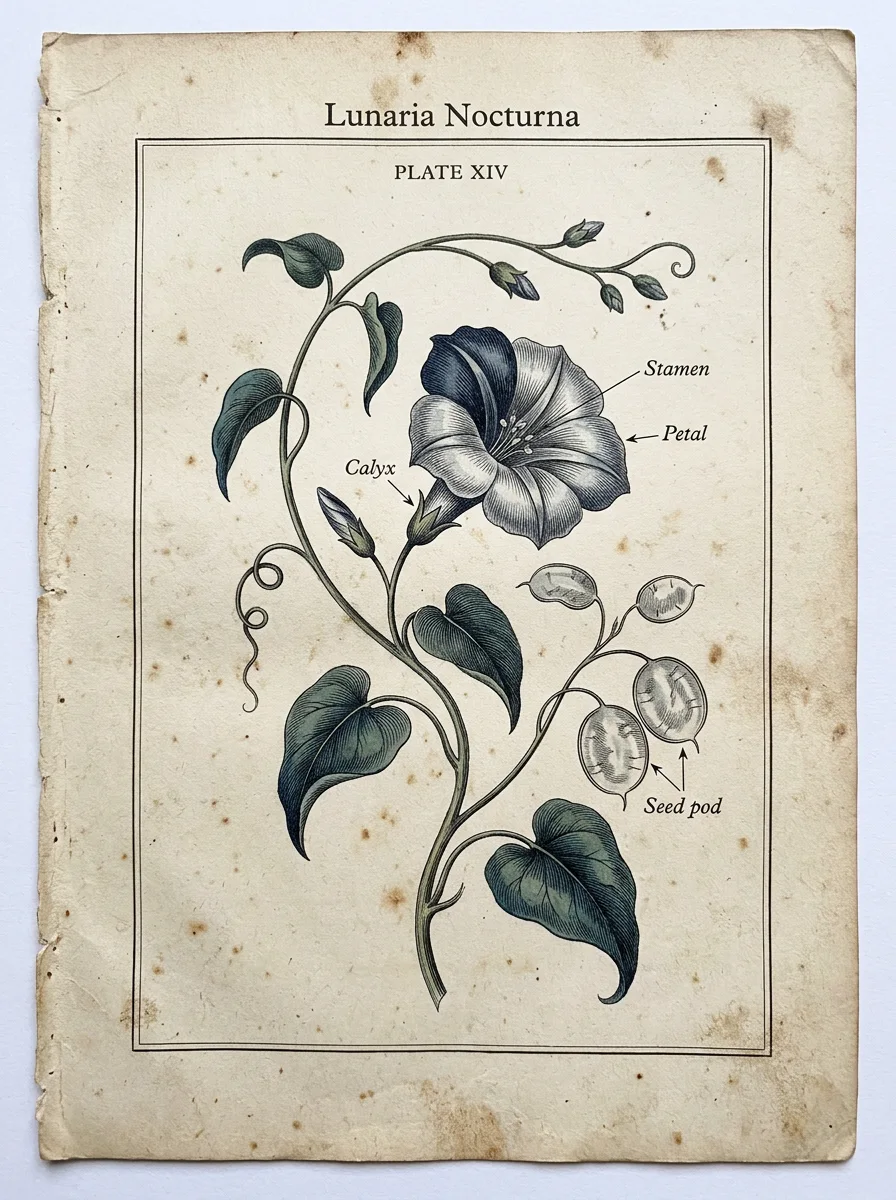
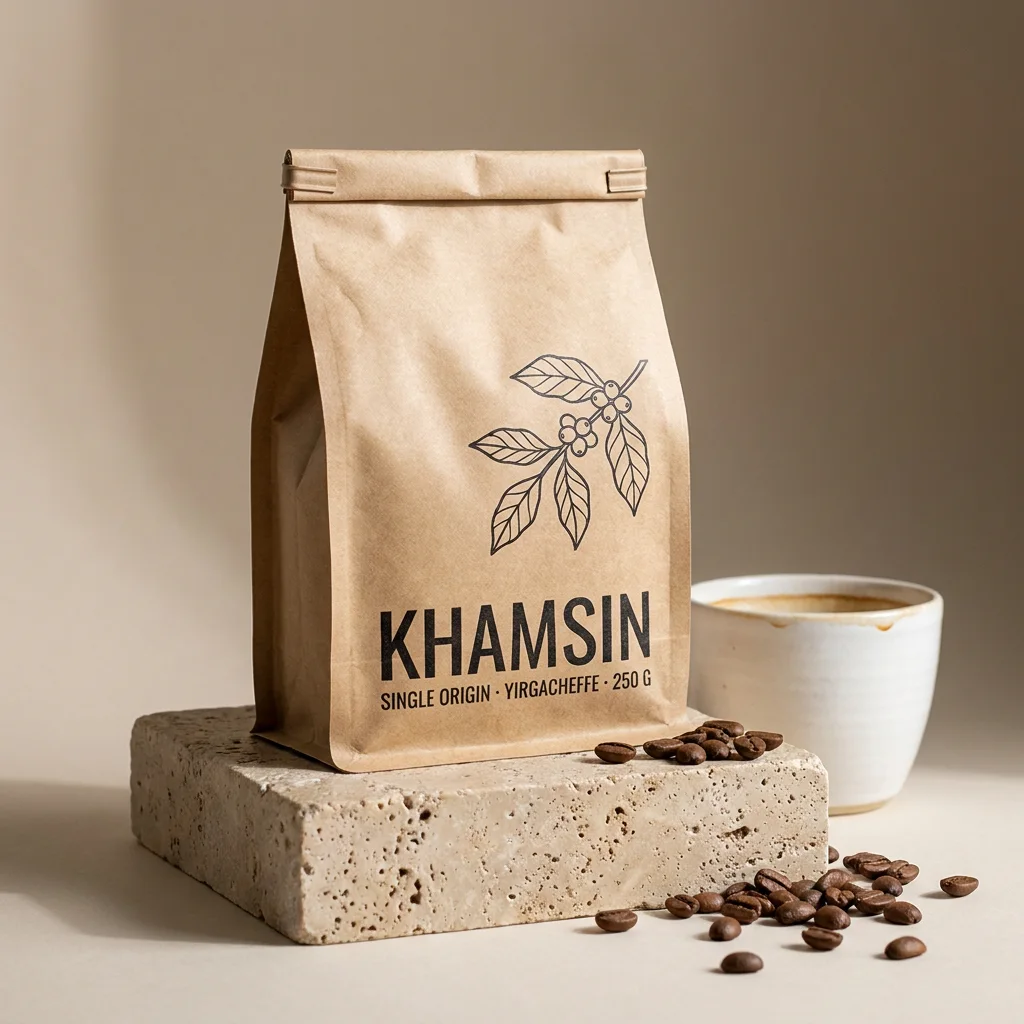
Use Nano Banana to make a die-cut sticker sheet of twelve retro space stickers: a rocket, a ringed planet, a moon and a comet, with white borders.You can add an aspect ratio (“3:2”, “9:16”) or a size (“in 4K”) to any request. If you don’t, your saved defaults are used. Here are real, unedited results from the three Nano Banana models:
Step 3: Edit your own photos with Nano Banana
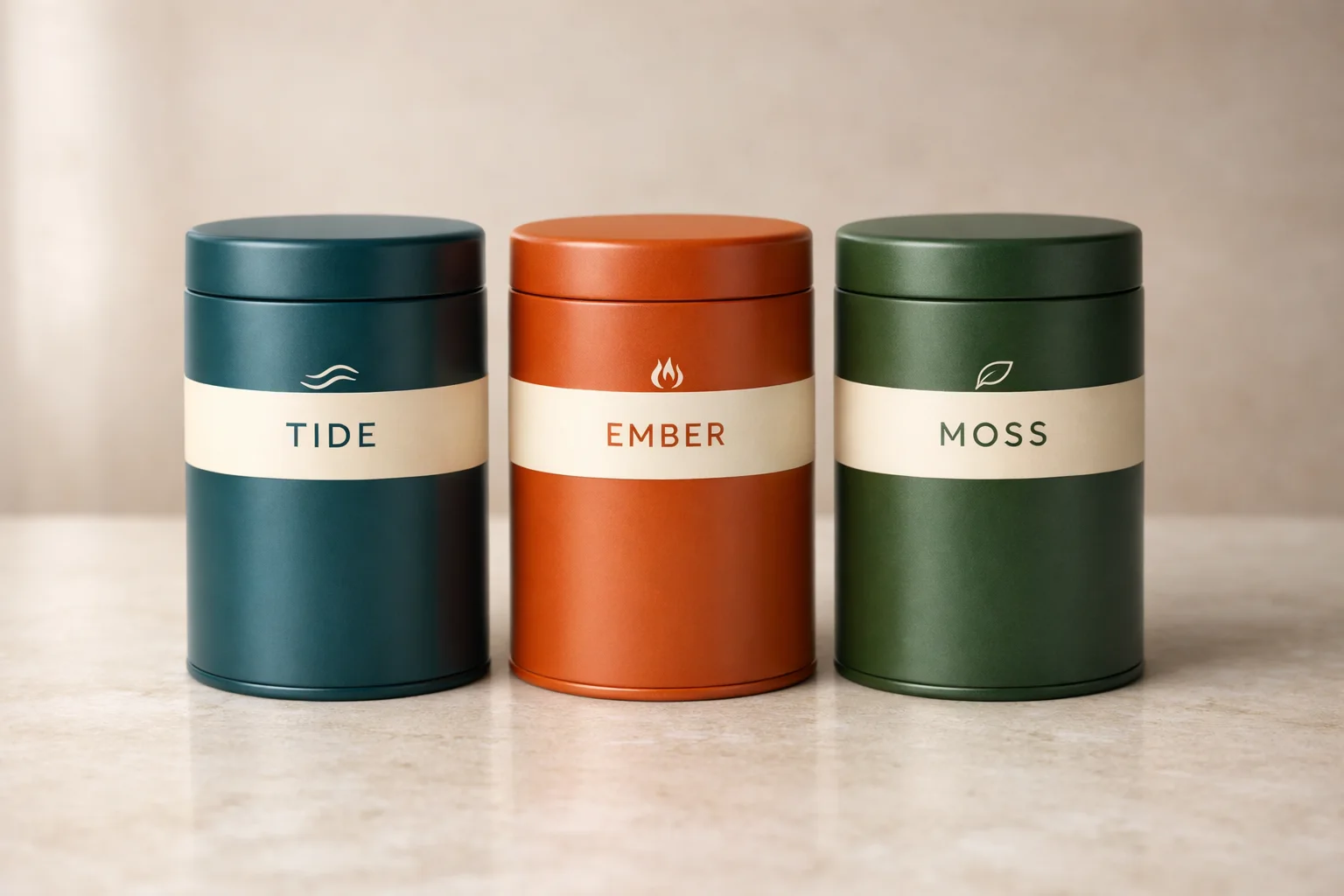
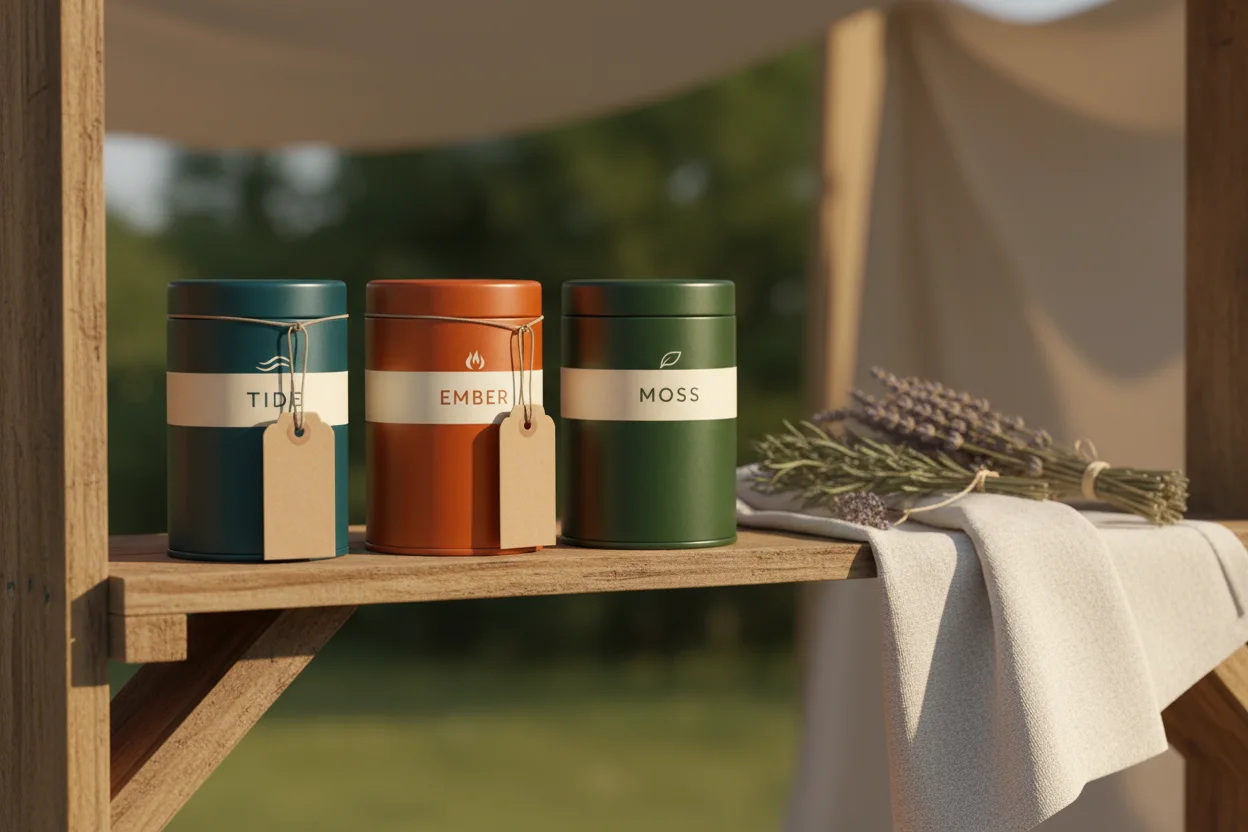
Nano Banana is great at keeping a product exactly as it is while changing everything around it. Ask ChatGPT to open the AiWings upload widget, drop in your photo, and describe the new scene.
Open the AiWings upload widget. Then use Nano Banana to put my three tea tins on a rustic market stall shelf with kraft paper tags. Keep the labels exactly the same.The original product shot on the left, and the Nano Banana edit on the right. The tins and labels stay the same, only the scene changes.
Which Nano Banana model to pick
All three are Google models and all three work the same way in ChatGPT. Pick by the job:
| Model | Sizes | Reference images | Cost per image | Best for |
|---|---|---|---|---|
| Nano Banana | 1K | Up to 3 | 5 credits ($0.05) | Fast drafts and ideas |
| Nano Banana 2 | 1K, 2K, 4K | Up to 14 | 8–19 credits ($0.08–$0.19) | Everyday work, wide formats, 4K |
| Nano Banana Pro | 1K, 2K, 4K | Up to 14 | 19–38 credits ($0.19–$0.38) | Final work, text and fine detail |
Prices are at the top-up rate of $0.01 per credit, and plans include more credits per dollar. To change which one ChatGPT uses by default, say “make Nano Banana 2 at 2K my default”.
Prompts that work well
- Put any words that should appear in the image in quotes, and say where they go: a sign reading “OPEN LATE” above the door.
- Describe the materials and light, not just the subject: matte kraft paper, soft window light from the left.
- Say what to keep when you edit: keep the bottle and label exactly the same, change only the background.
- Ask for the shape you need up front: 4:5 for Instagram, 9:16 for stories, 21:9 for a website banner.
- Iterate in the same chat: “same image, warmer light” edits the last result instead of starting over.
If something doesn’t work
- ChatGPT made the image itself instead of Nano Banana: start the request with “Use Nano Banana” or “Use the AiWings plugin”.
- The plugin isn’t listed: check that it’s turned on for the chat, or remove it and add it again with the same URL.
- Sign-in loops: allow pop-ups for chatgpt.com and finish the AiWings sign-in in the same browser.
- Out of credits: top up from your AiWings dashboard, then ask ChatGPT to try again.
Bottom line
Nano Banana isn’t a setting you can switch on in ChatGPT, but with AiWings added as a plugin it’s one sentence away. The same plugin also gives ChatGPT GPT Image, Imagen, Seedream and Seedance video, all from one balance.
FAQ
Is Nano Banana available in ChatGPT?
Not natively. ChatGPT’s built-in images come from OpenAI’s own model. To use Google’s Nano Banana models you add a plugin that runs them for you, such as AiWings, and then ask for them by name in the chat.
Which Nano Banana model should I use in ChatGPT?
Use Nano Banana for quick 1K drafts (5 credits ($0.05)), Nano Banana 2 as the everyday default with 1K, 2K and 4K output (8–19 credits ($0.08–$0.19)), and Nano Banana Pro for final work with lots of text or fine detail (19–38 credits ($0.19–$0.38)).
Can I edit my own photos with Nano Banana in ChatGPT?
Yes. Ask ChatGPT to open the AiWings upload widget, drop your photos in, and describe the change. Nano Banana takes up to 3 reference images, and Nano Banana 2 and Pro take up to 14.
Does it replace ChatGPT’s own image generation?
No, it works alongside it. Keep using ChatGPT’s built-in images, and name Nano Banana when you want Google’s models, 4K output or a different look.
Which ChatGPT plans can add the plugin?
Any plan where ChatGPT lets you add a custom MCP server as a plugin. Availability depends on your plan and workspace settings, so check the Plugins page in ChatGPT.