
Claude is great at writing the brief, but it can’t draw. It has no image generator of its own, and Google’s Nano Banana models aren’t built in. The fix takes about a minute: add AiWings as a connector, and Claude can make Nano Banana, Nano Banana 2 and Nano Banana Pro images in the same chat where you planned them.
What you need
- A Claude account on a plan that lets you add custom connectors.
- An AiWings account (sign in with Google). Images use credits from your AiWings balance.
- About a minute.
Step 1: Add AiWings to Claude
You only do this once. After that, Nano Banana is available in every Claude chat with the connector turned on.
- 1In Claude, open Settings → Connectors and click Add custom connector.
- 2Name it AiWings and paste the URL below.
- 3Click Connect, then sign in to AiWings and allow access.
- 4In a new chat, make sure AiWings is turned on in the tools menu.
https://aiwings.io/api/mcpStep 2: Ask Claude for a Nano Banana image
Name the model in your request. Claude writes a detailed prompt, calls the AiWings image tool, and shows the result in the chat. It’s a good idea to let Claude plan first: ask it to sharpen your idea, then generate.
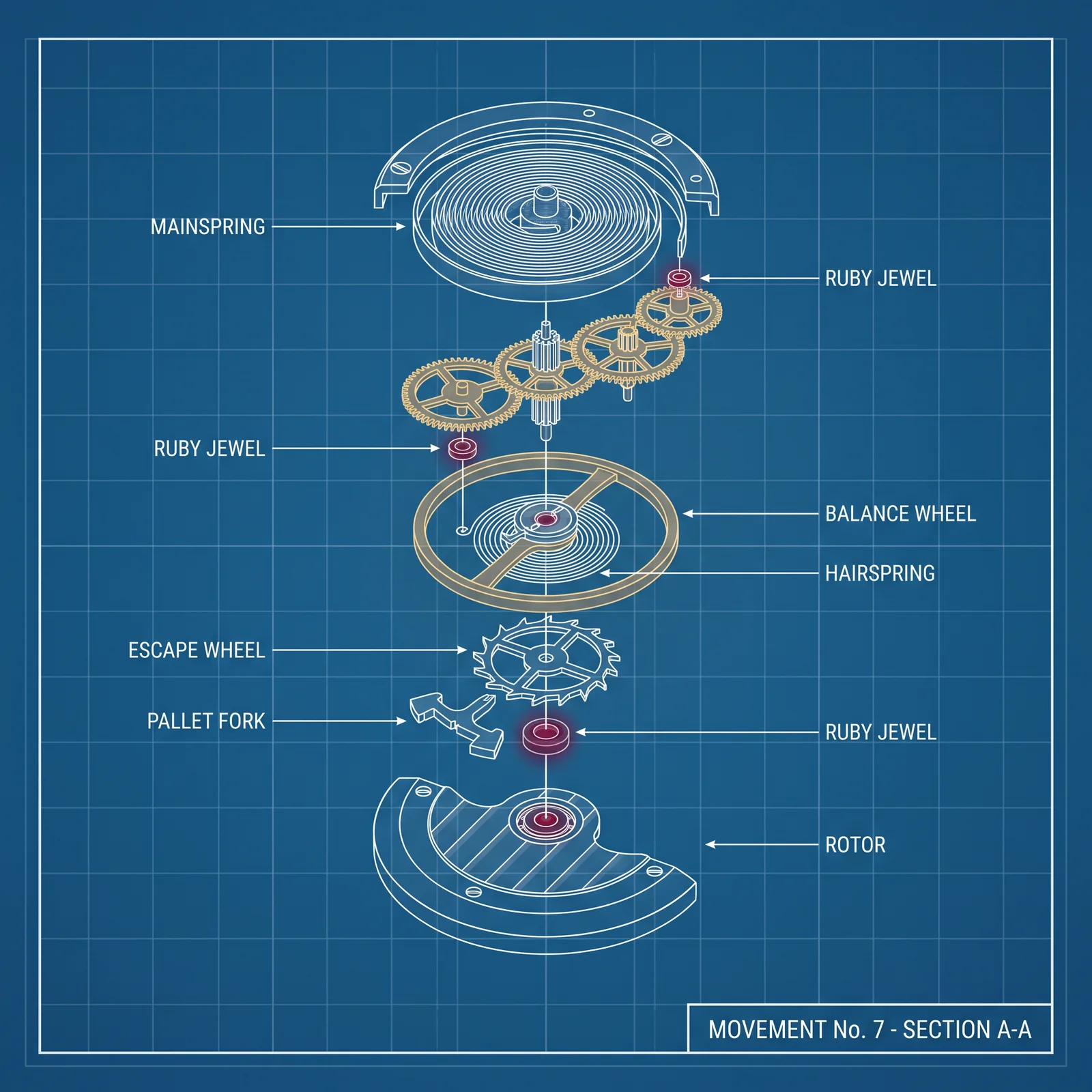
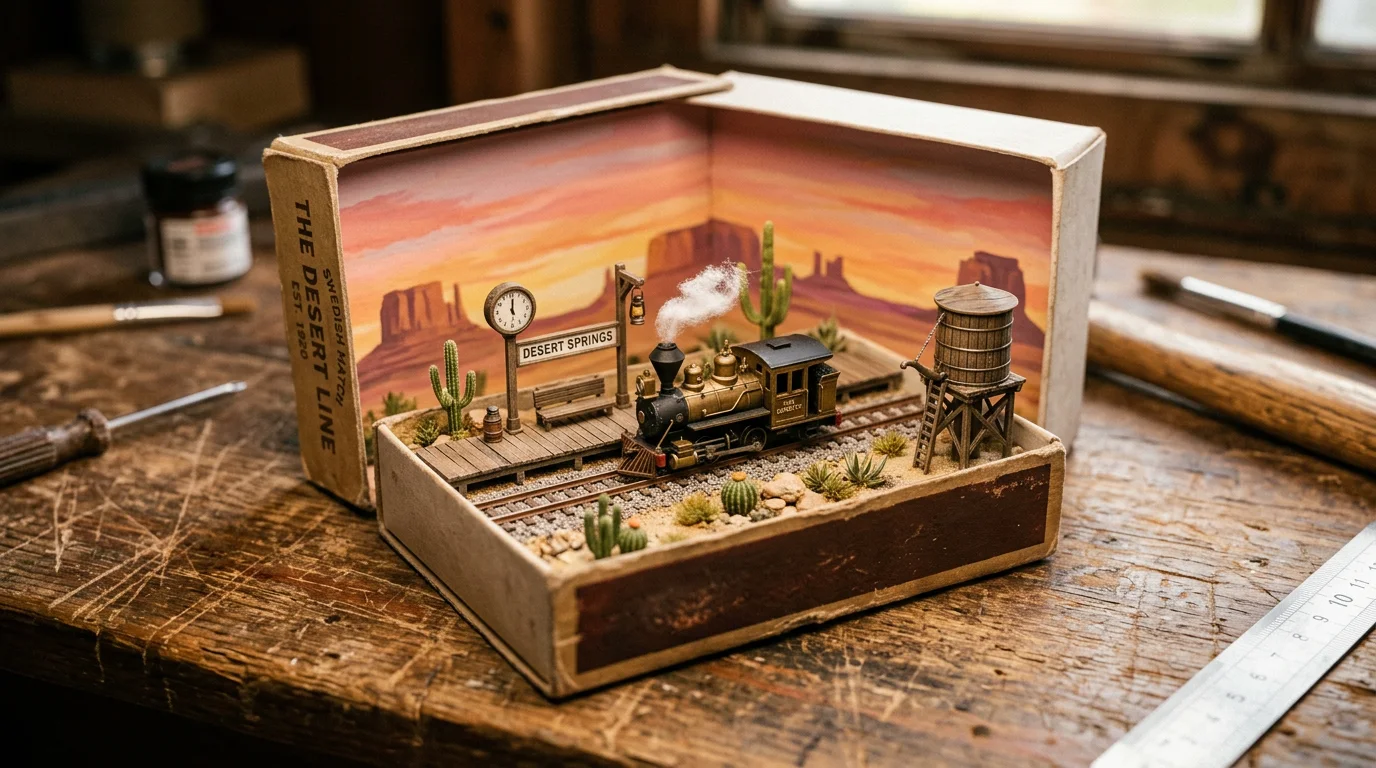
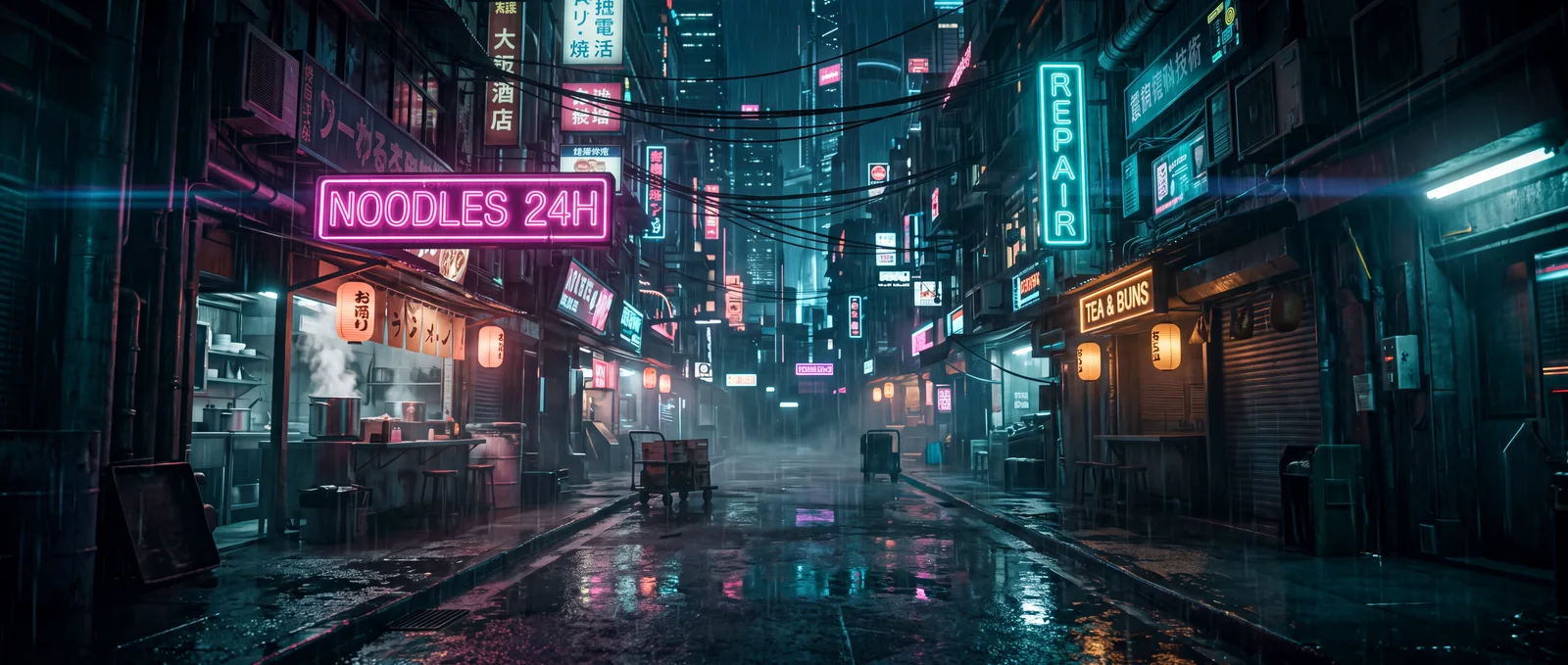
Use Nano Banana Pro to make a 4:5 1960s screen-printed travel poster for a desert oasis city called AL-WAHA, with a giant half-sun and palm silhouettes.Add a ratio (“21:9”) or a size (“in 4K”) to any request. Here are real, unedited results from Nano Banana 2 and Nano Banana Pro:

Step 3: Restyle or edit your own images
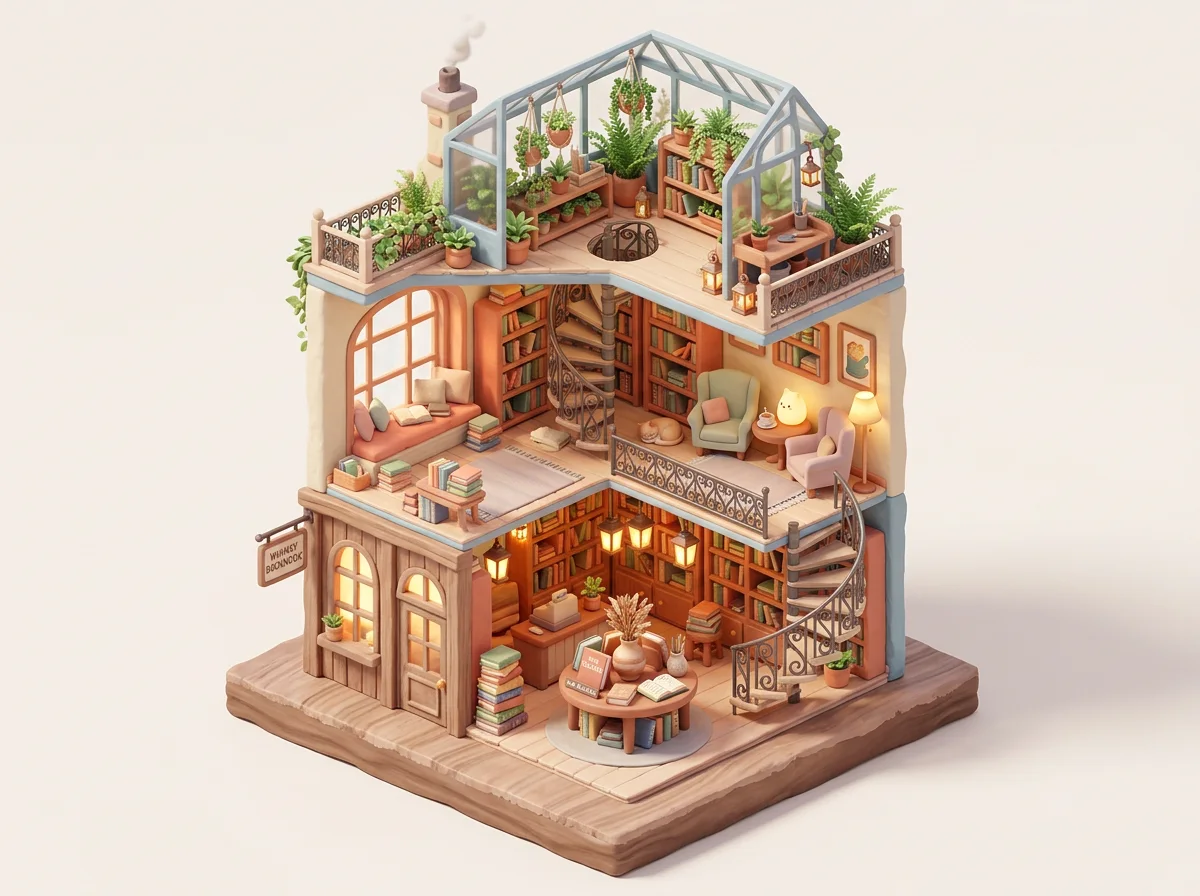
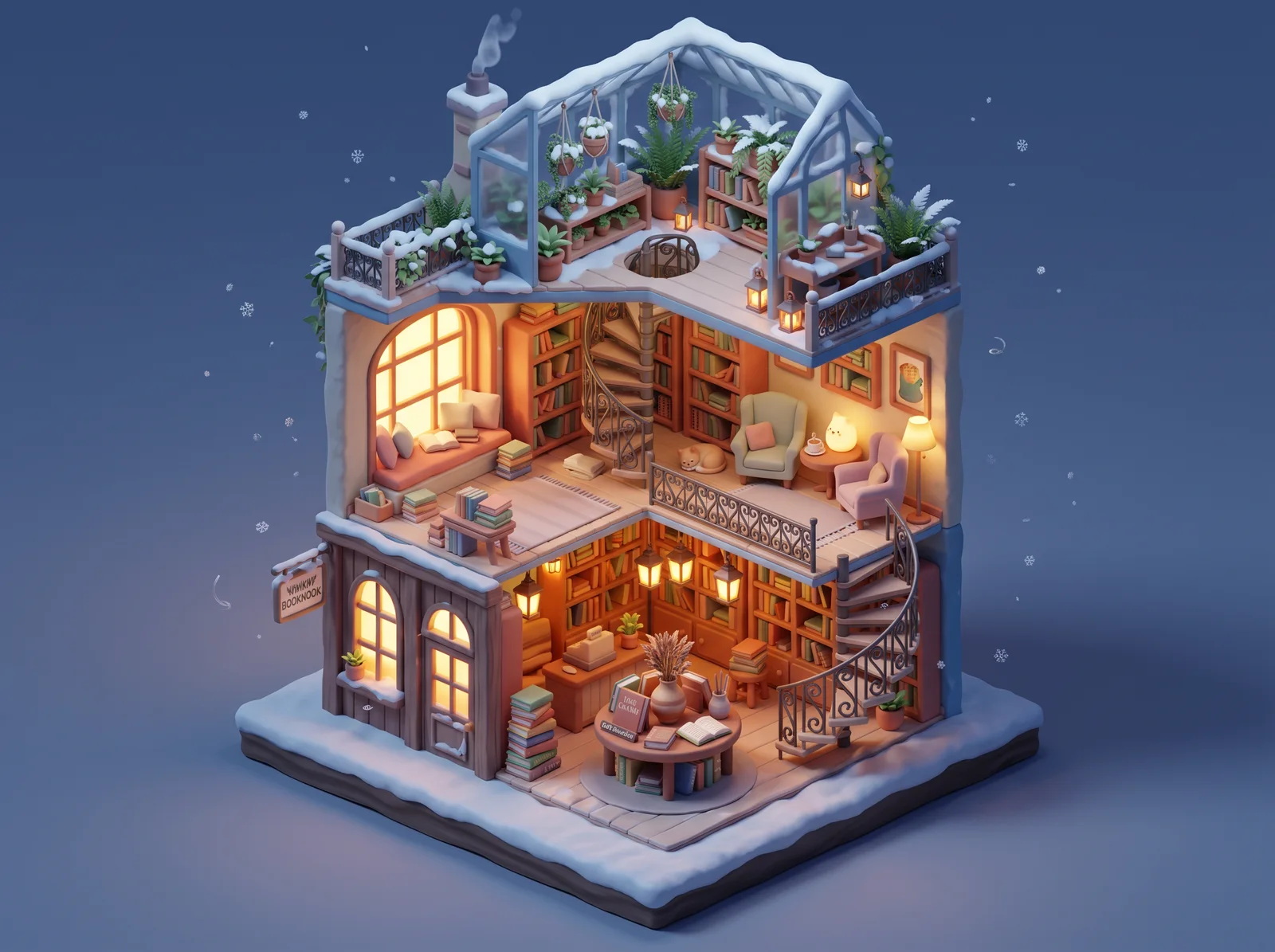
Nano Banana keeps the layout of a reference image while changing the style, the light or the season. Ask Claude to open the AiWings upload box, add your image, and say what should change and what must stay.
Open the AiWings upload box. Then use Nano Banana 2 to redraw my bookstore illustration as a snowy winter night with warm lit windows. Keep every floor and piece of furniture the same.The original illustration on the left, and the Nano Banana 2 version on the right: same building, new season.
Which Nano Banana model to pick
All three are Google models and work the same way in Claude. Pick by the job:
| Model | Sizes | Reference images | Cost per image | Best for |
|---|---|---|---|---|
| Nano Banana | 1K | Up to 3 | 5 credits ($0.05) | Fast drafts and ideas |
| Nano Banana 2 | 1K, 2K, 4K | Up to 14 | 8–19 credits ($0.08–$0.19) | Everyday work, wide formats, 4K |
| Nano Banana Pro | 1K, 2K, 4K | Up to 14 | 19–38 credits ($0.19–$0.38) | Final work, text and fine detail |
Prices are at the top-up rate of $0.01 per credit, and plans include more credits per dollar. To stop naming the model every time, tell Claude “make Nano Banana 2 at 2K my default”.
Tips for Claude and Nano Banana
- Let Claude write the prompt: describe the goal (“a launch poster for a coffee brand”) and ask it to propose three directions before generating.
- Put exact words in quotes and say where they go, especially with Nano Banana Pro: a label reading “KHAMSIN” across the front of the bag.
- Ask for variations in one go: “make three versions with different backgrounds” keeps the comparison in one message.
- Keep iterating in the same chat: “same image, warmer light” edits the last result instead of starting over.
- Use a Claude Project for a brand: put your style notes in the project, and every Nano Banana image in it follows them.
If something doesn’t work
- Claude says it can’t make images: check that AiWings is turned on in the chat’s tools menu, then ask again.
- The connector shows no tools: remove it in Settings → Connectors and add it again with the same URL.
- Sign-in loops: allow pop-ups for claude.ai and finish the AiWings sign-in in the same browser.
- Out of credits: top up from your AiWings dashboard, then ask Claude to try again.
Bottom line
Claude can’t draw on its own, but with AiWings connected, Nano Banana is one sentence away. The same connector also gives Claude GPT Image, Imagen, Seedream and Seedance video, all from one balance.
FAQ
Can Claude use Nano Banana natively?
No. Claude doesn’t generate images at all on its own, and it doesn’t include Google’s Nano Banana models. You add them with a connector such as AiWings, then ask Claude for Nano Banana by name.
Which Nano Banana model should I use in Claude?
Nano Banana for quick 1K drafts (5 credits ($0.05)), Nano Banana 2 as the everyday default with 1K, 2K and 4K output (8–19 credits ($0.08–$0.19)), and Nano Banana Pro for final work where text and fine detail matter (19–38 credits ($0.19–$0.38)).
Does it work in the Claude desktop and mobile apps?
Yes. Connectors you add on claude.ai are available in the Claude desktop and mobile apps signed in to the same account, so you can generate Nano Banana images from any of them.
Can Claude edit my own images with Nano Banana?
Yes. Ask Claude to open the AiWings upload box, drop your images in, and describe the change. Nano Banana takes up to 3 reference images, and Nano Banana 2 and Pro take up to 14.
Which Claude plans can add the connector?
Any Claude plan that lets you add a custom connector. On Team and Enterprise plans, an owner may need to add AiWings for the organization first.