
If you searched “Imagen 4 in ChatGPT”, here’s the short answer: ChatGPT doesn’t include Google’s Imagen models. Its built-in images come from OpenAI’s own model. You can still use Imagen 4, Imagen 4 Ultra and Imagen 4 Fast inside ChatGPT by adding AiWings as a plugin. It takes about two minutes, and after that you just ask for Imagen by name.
What you need
- A ChatGPT account on a plan that lets you add custom MCP plugins.
- An AiWings account (sign in with Google). Images use credits from your AiWings balance.
- About two minutes.
Step 1: Add AiWings to ChatGPT
You only do this once. After that, Imagen 4 is available in every new ChatGPT chat.
- 1In ChatGPT, open Plugins in the sidebar and click Add.
- 2Choose Add custom MCP server and name it AiWings.
- 3Paste the server URL below and keep Authentication set to OAuth.
- 4Tick the confirmation box and click Create as a plugin.
- 5Sign in to AiWings when the window opens and allow access.
https://aiwings.io/api/mcpStep 2: Ask for an Imagen 4 image
Start a new chat and name the model in your request. ChatGPT calls the AiWings image tool, runs Imagen 4, and shows the result right in the conversation.
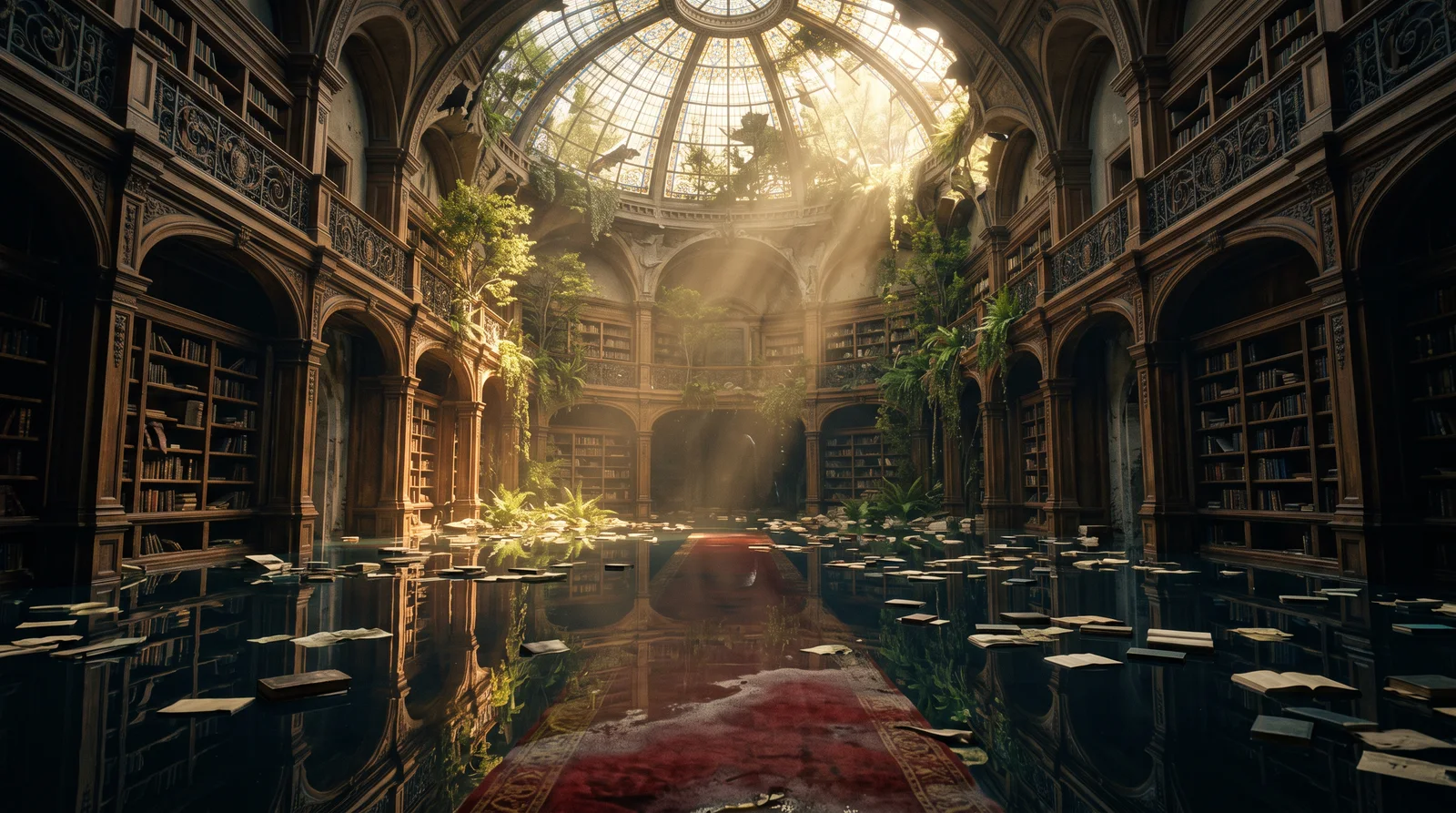
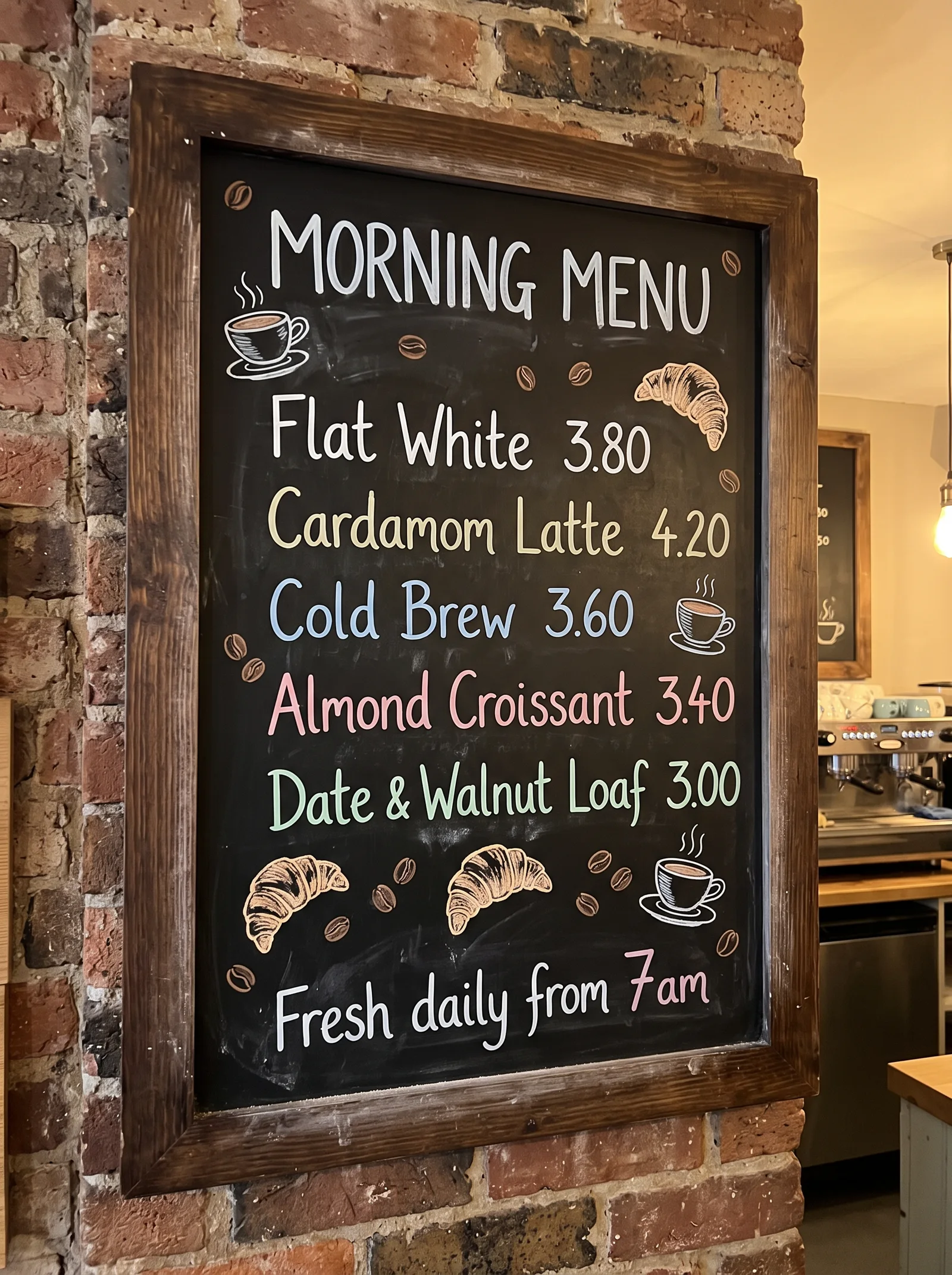
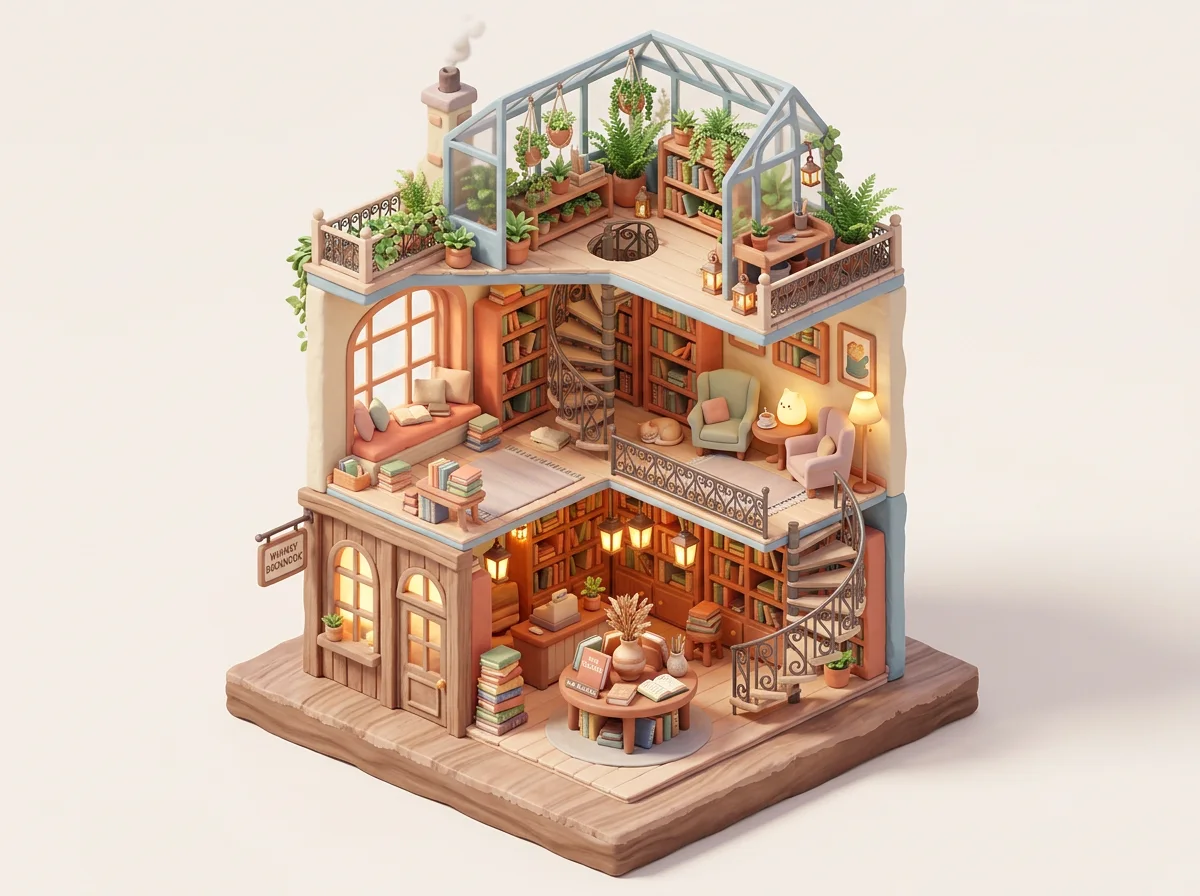
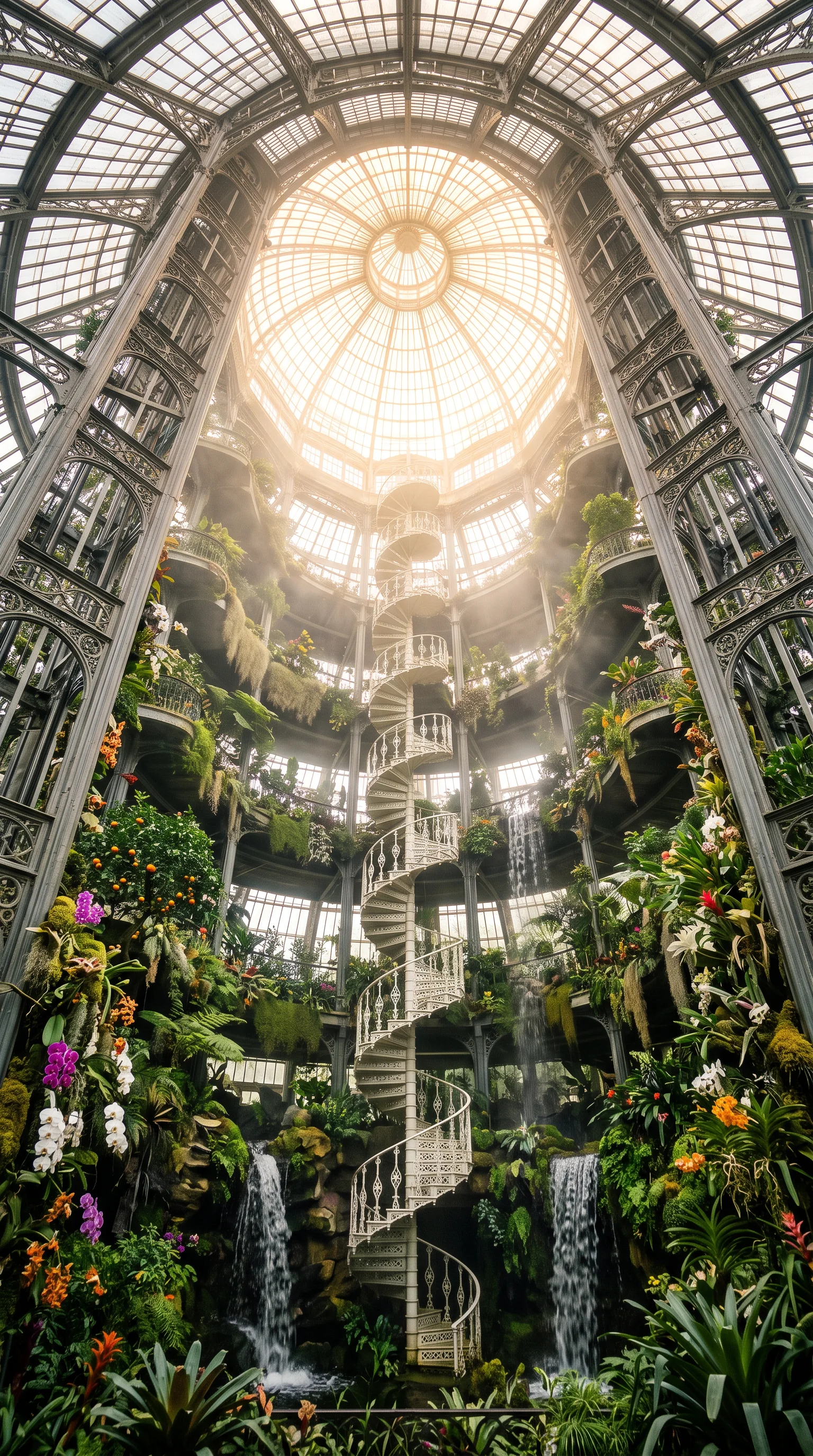
Use Imagen 4 at 2K to make a cinematic 16:9 photograph of a flooded abandoned library at golden hour, with trees growing through the dome.Add an aspect ratio (“3:4”, “9:16”) or a size (“at 2K”) to any request. Imagen 4 is known for photorealism and for getting text right. Here are real, unedited results:
Step 3: Choose Imagen 4, Ultra or Fast
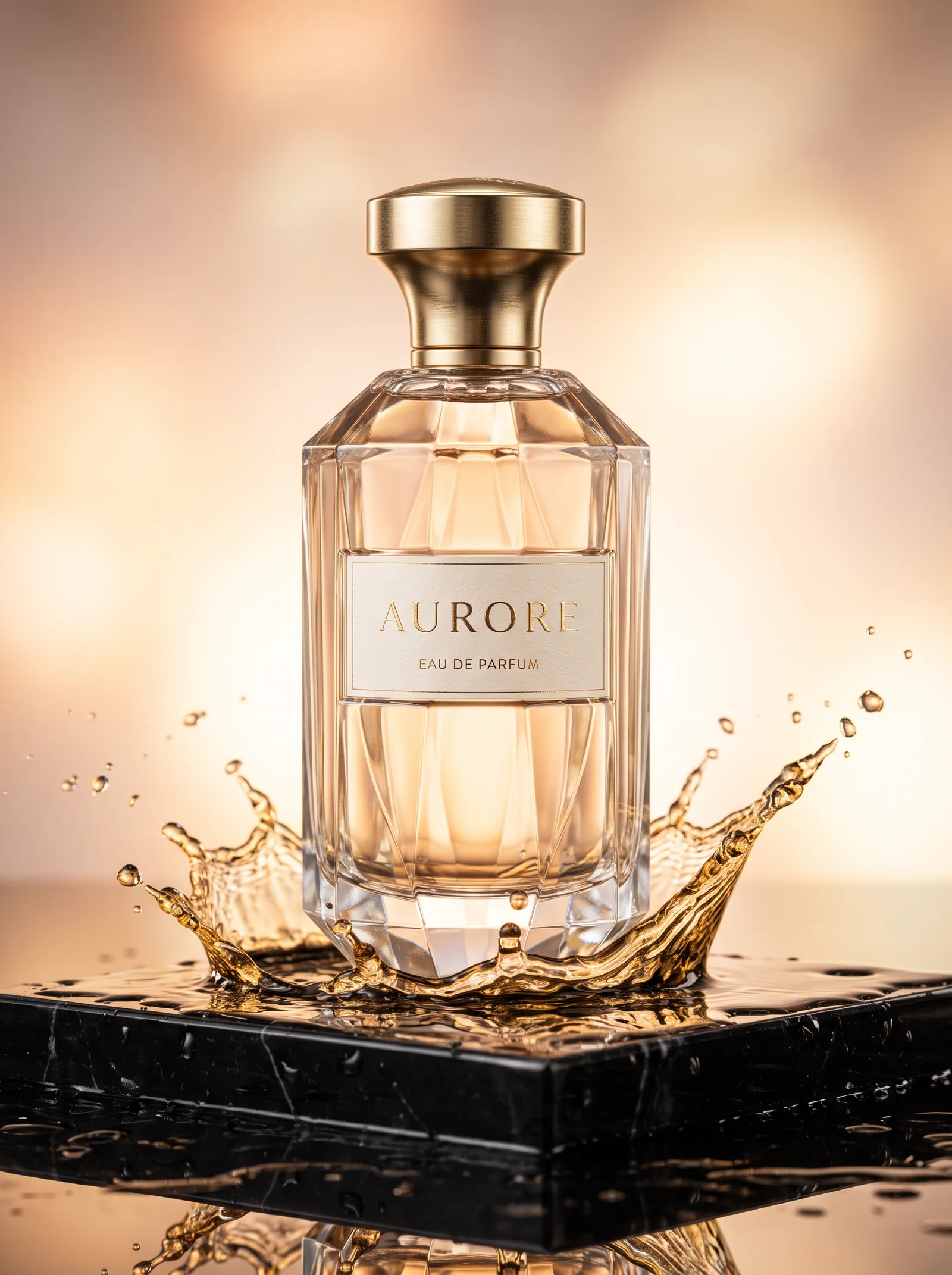
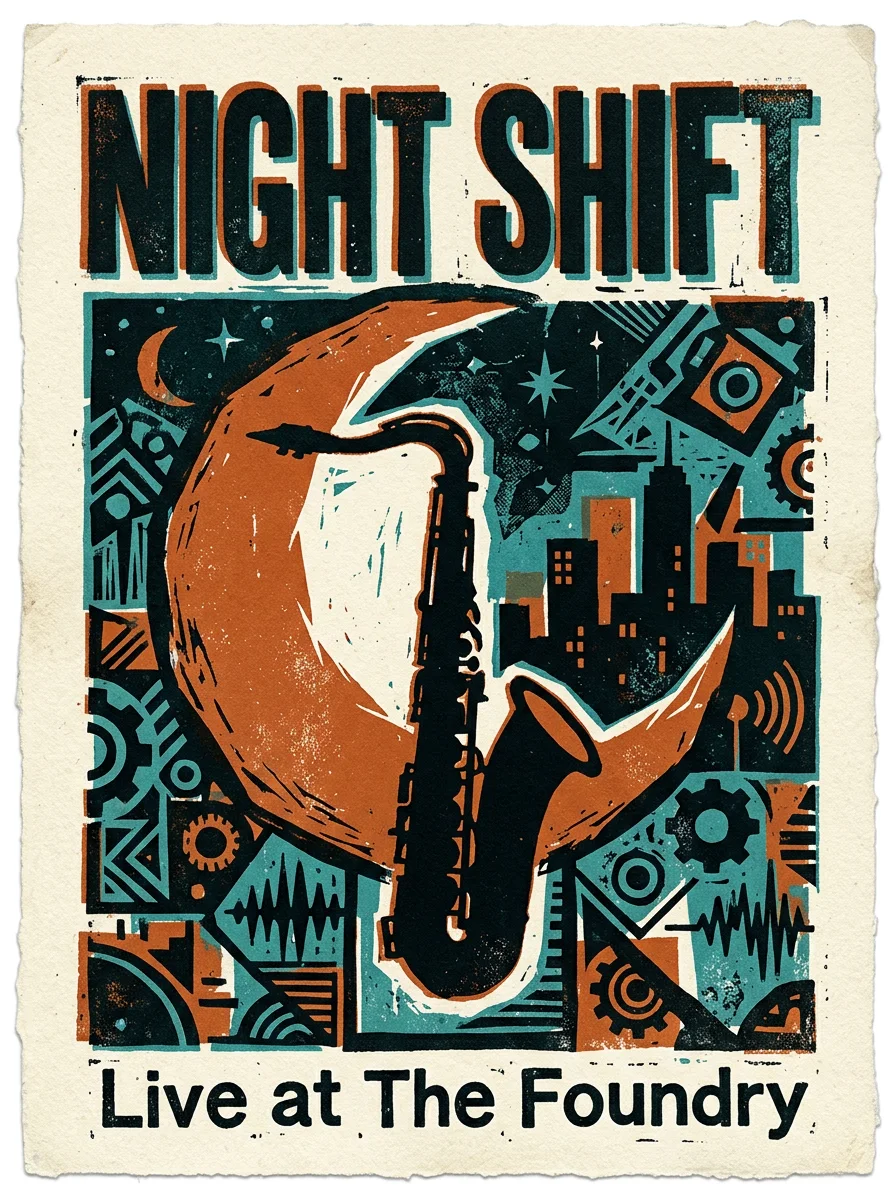
There are three Imagen 4 models, and you can name any of them in the same request. Fast is the quickest and most affordable, Imagen 4 is the balanced one, and Ultra is the top-fidelity one for polished product and packaging work.
Use Imagen 4 Ultra at 2K to make a 3:4 luxury perfume ad: a faceted glass bottle labeled AURORE on wet black marble, with a frozen splash of golden liquid.Imagen 4 Ultra (left) for a polished product ad, and Imagen 4 Fast (right) for a quick poster draft:
Which Imagen 4 model to pick
All three are Google models and work the same way in ChatGPT. Pick by the job:
| Model | Sizes | Reference images | Cost per image | Best for |
|---|---|---|---|---|
| Imagen 4 Fast | 1K | None (text only) | 3 credits ($0.03) | Fast drafts and ideas |
| Imagen 4 | 1K, 2K | None (text only) | 5 credits ($0.05) | Everyday work, 2K |
| Imagen 4 Ultra | 1K, 2K | None (text only) | 8 credits ($0.08) | Photoreal products, crisp text |
Prices are at the top-up rate of $0.01 per credit, and plans include more credits per dollar. Imagen 4 gives you 2K for the same price as 1K. To stop naming the model every time, say “make Imagen 4 at 2K my default”.
Prompts that work well
- Put any words that should appear in the image in quotes, and say where they go: a chalkboard heading reading “TODAY’S MENU”.
- Describe the lens and light for photoreal results: 35mm film, golden hour, soft window light from the left.
- Ask for the shape you need up front: 3:4 for a menu or poster, 16:9 for a banner, 9:16 for stories.
- Imagen 4 doesn’t edit photos, so describe the whole scene each time, or switch to GPT Image or Nano Banana for edits.
- Iterate in the same chat: “same scene, but at night” gives a new image with the changes you describe.
If something doesn’t work
- ChatGPT made the image itself instead of Imagen: start the request with “Use Imagen 4” or “Use the AiWings plugin”.
- The plugin isn’t listed: check that it’s turned on for the chat, or remove it and add it again with the same URL.
- Sign-in loops: allow pop-ups for chatgpt.com and finish the AiWings sign-in in the same browser.
- Out of credits: top up from your AiWings dashboard, then ask ChatGPT to try again.
Bottom line
Imagen 4 isn’t a setting you can switch on in ChatGPT, but with AiWings added as a plugin it’s one sentence away. The same plugin also gives ChatGPT Nano Banana, GPT Image, Seedream and Seedance video, all from one balance.
FAQ
Is Imagen 4 available in ChatGPT?
Not natively. ChatGPT’s built-in images come from OpenAI’s own model. To use Google’s Imagen 4 models you add a plugin that runs them for you, such as AiWings, and then ask for them by name in the chat.
Which Imagen 4 model should I use in ChatGPT?
Imagen 4 Fast (3 credits ($0.03)) for quick drafts, Imagen 4 (5 credits ($0.05)) as the balanced default with 1K and 2K output, and Imagen 4 Ultra (8 credits ($0.08)) when you need the highest fidelity, such as photorealistic product shots and crisp text.
Can Imagen 4 edit my photos?
No. Imagen 4 makes images from a text prompt only and doesn’t take reference images. For edits, ask ChatGPT for a model that does, such as GPT Image or Nano Banana, through the same plugin.
Does it replace ChatGPT’s own image generation?
No, it works alongside it. Keep using ChatGPT’s built-in images, and name Imagen 4 when you want Google’s look, 2K output or a specific model.
Which ChatGPT plans can add the plugin?
Any plan where ChatGPT lets you add a custom MCP server as a plugin. Availability depends on your plan and workspace settings, so check the Plugins page in ChatGPT.