
Gemini makes images with Google’s own models, so OpenAI’s GPT Image isn’t an option there. Add AiWings as a connector once, and Gemini can use GPT Image 2.6, 2.5, 2 and 1.5, known for precise edits and text that’s spelled right, in the same chat you already use.
What you need
- A personal Google account that can add custom connectors in Gemini (Customize → Connectors → + Custom). Google is still rolling these out.
- An AiWings account (sign in with Google). Usage comes from your AiWings credits.
- About two minutes.
Step 1: Add AiWings to Gemini
You only do this once, on Gemini for the web. After that, GPT Image is available in every Gemini chat, on the web and in the Gemini mobile app.
- 1On Gemini for the web (gemini.google.com), click Customize in the sidebar.
- 2Open the Connectors tab and click + Custom.
- 3Paste the server URL below into MCP Server URL and click Next.
- 4Sign in to AiWings when the window opens and approve access.
https://aiwings.io/api/mcpStep 2: Ask Gemini for a GPT Image image
Begin your request with “Use AiWings” and name the model. The first time, Gemini asks before it uses a connector: choose Always allow. Gemini runs GPT Image and replies with a link to your image, ready to open and download.
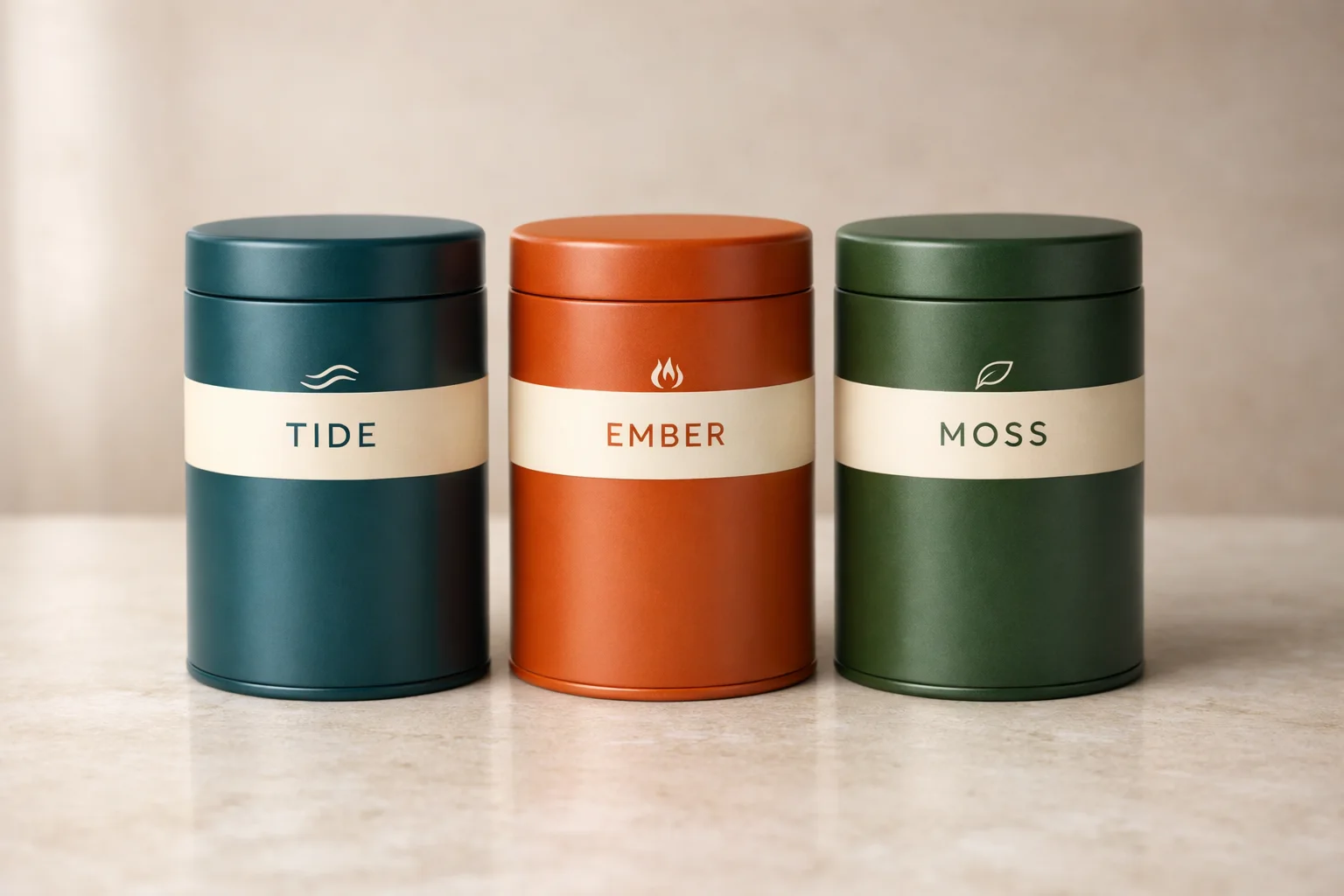
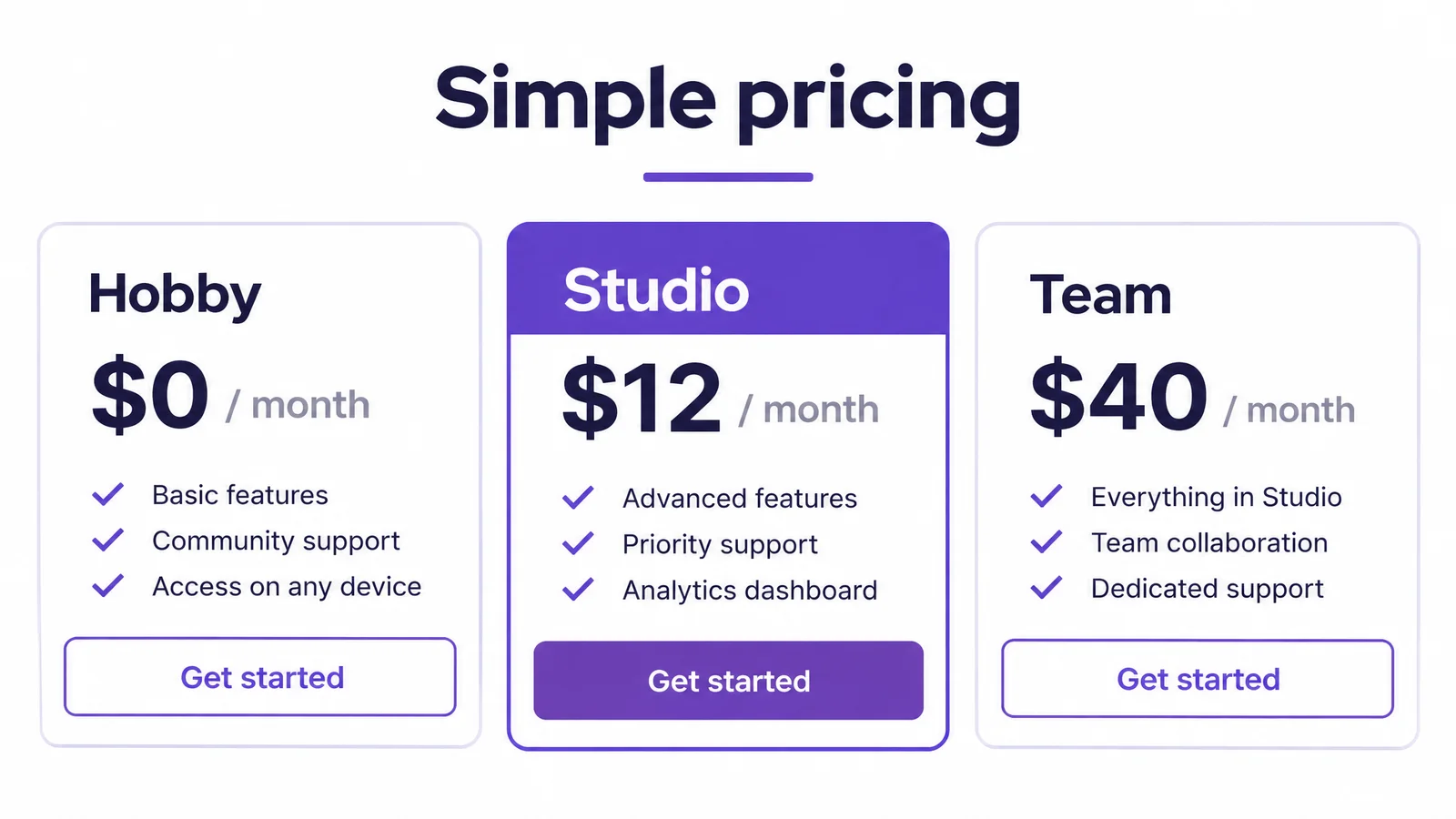
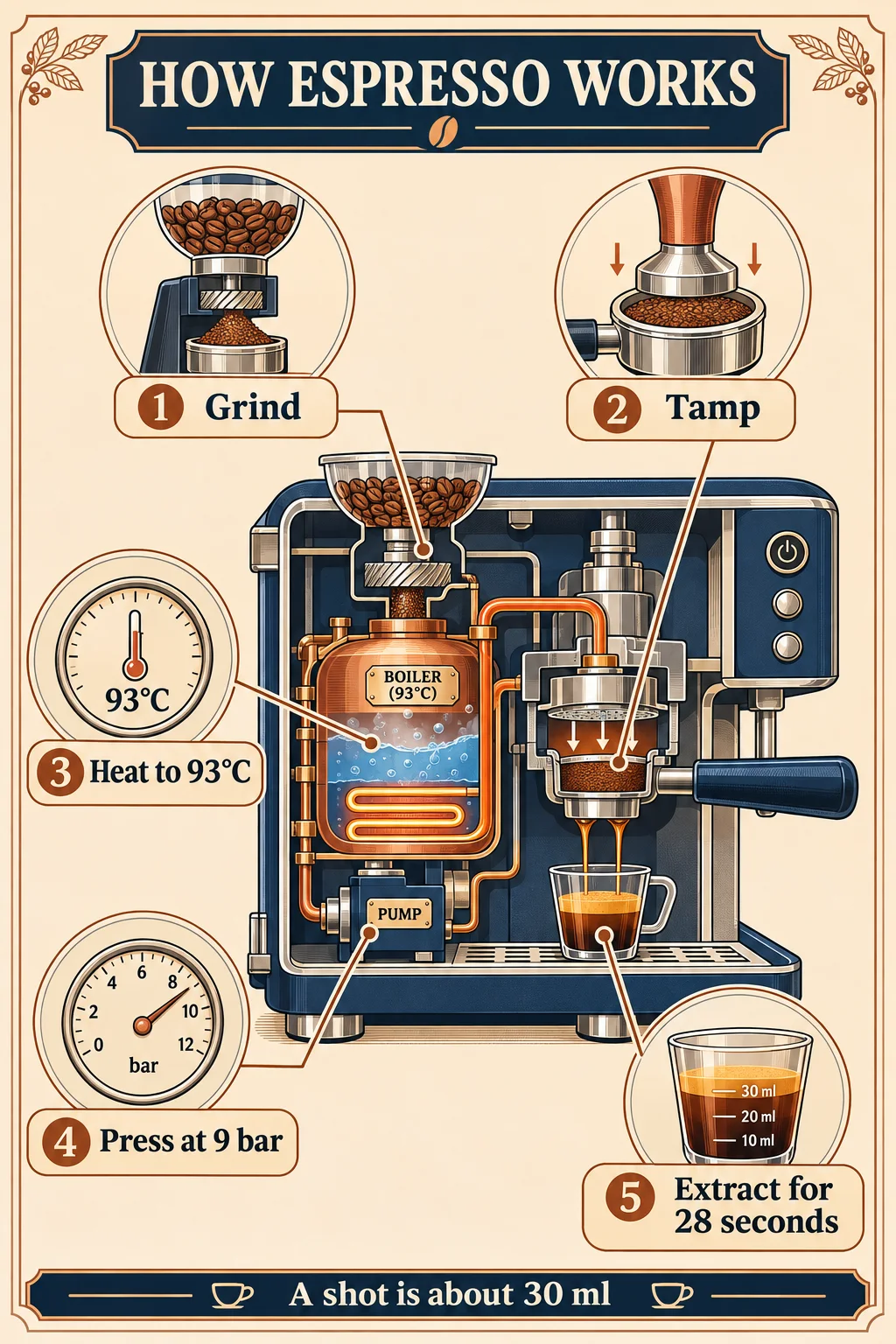
Use AiWings with GPT Image 2.6 Sunburst to make a 3:2 photo of three matte tea tins labeled “TIDE”, “EMBER” and “MOSS” on a stone surface, in soft window light.Gemini replies with a link to view and download the image. Real, unedited results from GPT Image on AiWings:

Step 3: Edit your own photo
GPT Image is especially good at edits that keep the rest of the picture the same. Ask Gemini for an AiWings upload link, add your photo, and describe the change.
Use AiWings to give me an upload link for my product photo. Then, with GPT Image 2.6, put the product on a marble counter in soft morning light and keep the label exactly as it is.Step 4: Make a logo as an SVG
GPT Image 2.6 can also return a real vector file, for a flat 25 credits.
Use AiWings to make an SVG logo of a fox head with GPT Image 2.6: two colors, flat shapes, no text.Which GPT Image should I use?
AiWings offers every current GPT Image model. They share one request, so you can switch by naming a different one:
| Model | Sizes | Reference images | Cost per image | Best for |
|---|---|---|---|---|
| GPT Image 2.6 Flare | low, medium, high, xhigh, max | Up to 10 | 7–63 credits ($0.07–$0.63) | Fast everyday images and edits, plus SVG and GIF |
| GPT Image 2.6 Sunburst | low, medium, high, xhigh, max | Up to 10 | 7–63 credits ($0.07–$0.63) | The most detail and precise edits, plus SVG and GIF |
| GPT Image 2.5 Flare | low, medium, high, xhigh, max | Up to 10 | 2–63 credits ($0.02–$0.63) | The lowest-cost GPT Image |
| GPT Image 2.5 Sunburst | low, medium, high, xhigh, max | Up to 10 | 2–63 credits ($0.02–$0.63) | Detailed images and edits for less |
| GPT Image 2 | low, medium, high | Up to 10 | 2–16 credits ($0.02–$0.16) | Strong instruction following and text |
| GPT Image 1.5 | low, medium, high | Up to 10 | 2–17 credits ($0.02–$0.17) | Edits that keep faces and details consistent |
Prices are at the top-up rate of $0.01 per credit, and plans include more credits per dollar.
Tips for Gemini and GPT Image
- Put any text in quotes and say where it goes: GPT Image spells it exactly.
- Name the version: GPT Image 2.6 Sunburst for the most detail, 2.5 Flare for the lowest price.
- For edits, say what must stay the same, like the label, the face or the layout.
- Ask for the shape up front: 1:1 for feeds, 4:5 for product shots, 16:9 for banners.
If something doesn’t work
- Gemini made the image itself or said it can’t: start the request with “Use AiWings”, then name GPT Image 2.6.
- There’s no + Custom button: custom connectors haven’t reached your Google account yet, or you’re signed in with a work or school account.
- Sign-in loops: allow pop-ups for gemini.google.com and finish the AiWings sign-in in the same browser.
- Out of credits: top up from your AiWings dashboard, then ask Gemini to try again.
Bottom line
GPT Image isn’t one of Gemini’s own models, but with AiWings added as a connector it’s one sentence away. The same connector also gives Gemini Kling, Seedance and MiniMax video, and Seedream and Flux images, all from one balance.
FAQ
Can Gemini use GPT Image natively?
No. Gemini makes images with Google’s own models. GPT Image is OpenAI’s, and you add it to Gemini with a connector such as AiWings, then ask for it by name.
Which GPT Image model should I use?
GPT Image 2.6 is the newest, with five quality levels from 7 to 63 credits on Sunburst. GPT Image 2.5 Flare is the lowest-cost GPT Image, and GPT Image 1.5 is the one for edits that must keep every detail of the original.
Can it make a video from the image?
Yes. Ask Gemini to animate the image with Kling, Seedance or MiniMax through AiWings, in the same chat.
Which Google accounts can add the connector?
Custom connectors are added on Gemini for the web with a personal Google account, and then work in the Gemini mobile app too. Google is still rolling them out, so if you don’t see + Custom under Customize → Connectors, it hasn’t reached your account yet.