
Gemini can make videos with Google’s own video model on some plans, but it can’t use other video models. If you want Kling, Seedance or MiniMax, add AiWings as a connector once. Then you ask Gemini for a video, name the model, and pay per second of video from your AiWings credits, with no extra subscription.
What you need
- A personal Google account that can add custom connectors in Gemini (Customize → Connectors → + Custom). Google is still rolling these out.
- An AiWings account (sign in with Google). Usage comes from your AiWings credits.
- About two minutes.
Step 1: Add AiWings to Gemini
You only do this once, on Gemini for the web. After that, videos is available in every Gemini chat, on the web and in the Gemini mobile app.
- 1On Gemini for the web (gemini.google.com), click Customize in the sidebar.
- 2Open the Connectors tab and click + Custom.
- 3Paste the server URL below into MCP Server URL and click Next.
- 4Sign in to AiWings when the window opens and approve access.
https://aiwings.io/api/mcpStep 2: Ask Gemini for a video
Begin your request with “Use AiWings” and name the model. The first time, Gemini asks before it uses a connector: choose Always allow. Gemini runs Kling, Seedance or MiniMax and replies with a link to your video, ready to open and download.
Use AiWings to make a 5 second 16:9 video: a slow dolly shot of a glass bottle on wet sand at sunset, waves rolling in, with soft ocean sound.You don’t have to name a model: Gemini uses your saved defaults, which start as MiniMax H3 Lite. Videos take a few minutes. When the video is ready, Gemini replies with a link to watch and download it. For longer clips it may say the video is still rendering: a minute later, ask “Is my video ready?” and it checks again.
Step 3: Animate an image
A great workflow is to make the image first, then animate it. Ask Gemini for an image with any model, then ask it to turn that image into a video.
Start from a still you already like, such as a product photo or something you generated earlier, and describe only the motion. Keeping the instruction short and about movement gives the cleanest result.
Use AiWings to animate the last image: slow camera push-in, leaves moving in the breeze, soft ambient sound.You can also reuse an earlier AiWings result without uploading it again by asking to animate “the last image”.
See what it looks like
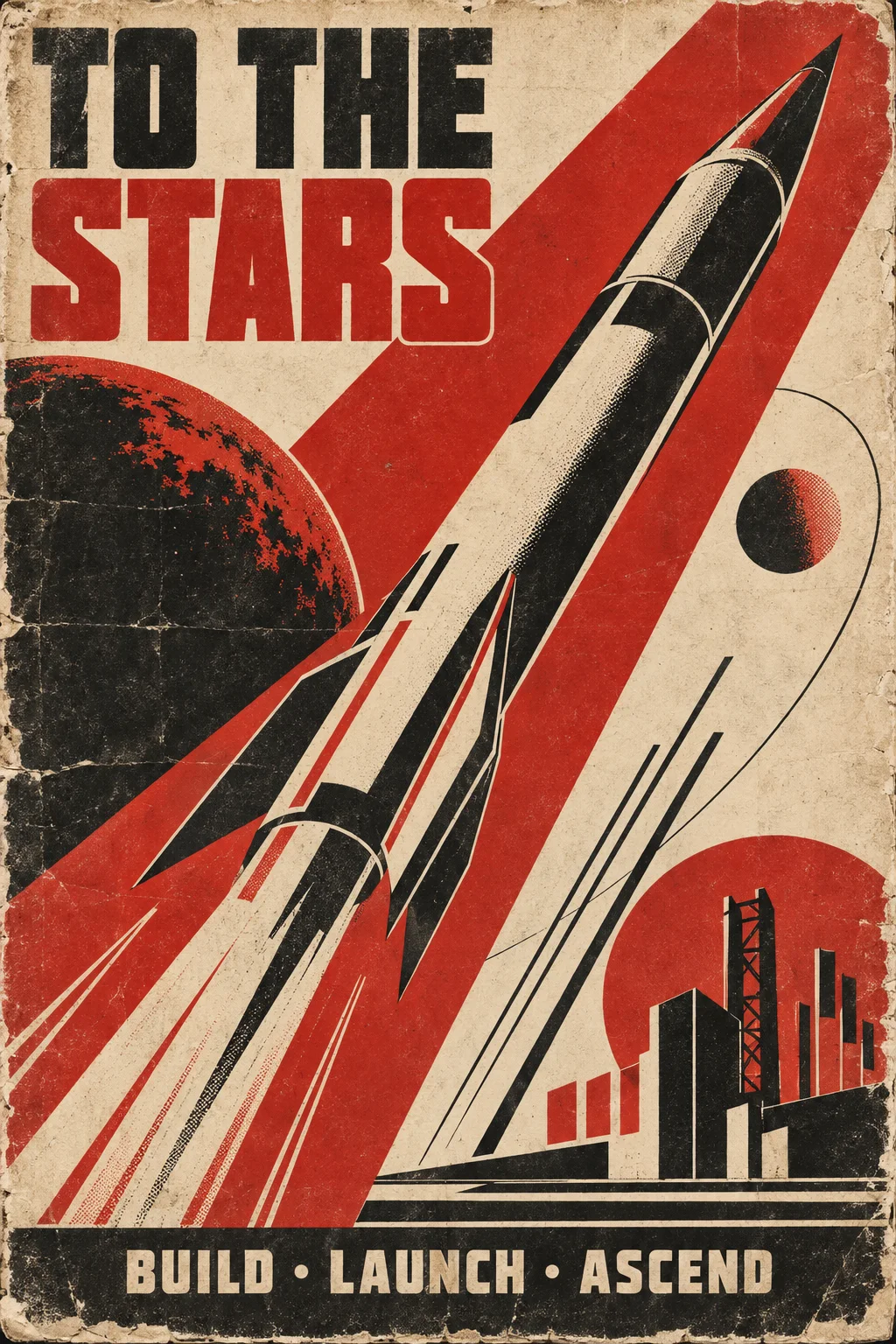
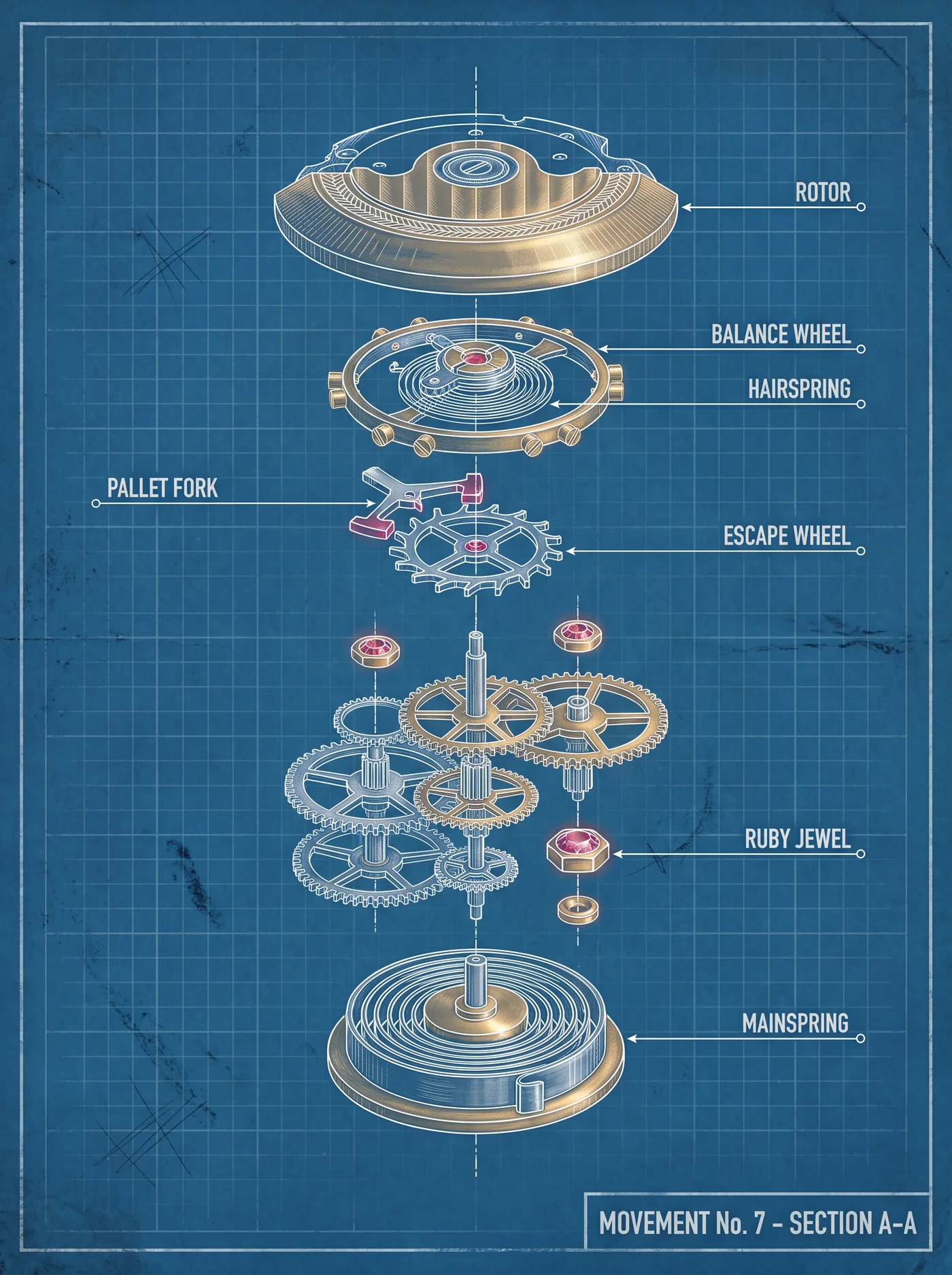
Real, unedited results. Each original image is on the left, and the video Seedance 2.5 made from it is on the right. Seedance adds sound too; it is muted here.
See what MiniMax can make
Real, unedited 15-second videos made with MiniMax H3 at 768p, each from a single prompt. MiniMax adds sound too; it is muted here.
Video models at a glance
AiWings offers three families of video models: MiniMax H3, Seedance and Kling. Most add sound; Kling 2.5 Turbo Pro and Kling 4.0 are silent. Videos are billed per second, so cost depends on the model, length and resolution:
| Model | Resolutions | Length | 5 seconds from | Best for |
|---|---|---|---|---|
| MiniMax H3 Lite | 480p, 768p | 4–15 seconds | 10 credits ($0.10) | The lowest price, for testing and volume |
| MiniMax H3 Highspeed | 768p | 4–15 seconds | 20 credits ($0.20) | Fast drafts and everyday clips |
| MiniMax H3 | 768p, 2K | 4–15 seconds | 50 credits ($0.50) | Polished clips, up to 2K |
| Seedance 2.0 | 480p, 720p, 1080p, 4K | 4–15 seconds | 50 credits ($0.50) | Short clips up to 4K |
| Seedance 2.5 | 480p, 720p | 4–30 seconds | 65 credits ($0.65) | Longer clips, big reference sets |
| Kling 2.5 Turbo Pro | 1080p | 5 or 10 seconds | 45 credits ($0.45) | Fast 1080p clips, no sound |
| Kling 2.6 | 1080p | 5 or 10 seconds | 45 credits ($0.45) | 1080p clips, sound optional |
| Kling 3.0 | 720p, 1080p, 4K | 3–15 seconds | 105 credits ($1.05) | Up to 4K, sound optional |
| Kling 4.0 | 720p, 1080p | 3–30 seconds | 100 credits ($1.00) | Long shots, up to 8 reference images |
Prices are at the top-up rate of $0.01 per credit, at each model’s lowest resolution and without sound on Kling, and plans include more credits per dollar. If you don’t name a model, AiWings uses your saved default, which is MiniMax H3 Lite unless you change it. Only Seedance can follow a reference video, a clip you give it to copy the motion from, which costs more per second.
Tips for making videos in Gemini
- Test a prompt with MiniMax H3 Lite at 480p first, then remake the one you like with a higher-quality model or resolution.
- Describe camera movement explicitly: slow dolly in, handheld, top-down orbit.
- Say what you want to hear. MiniMax always adds sound, Seedance, Kling 2.6 and Kling 3.0 can switch it off, and Kling 2.5 Turbo Pro and Kling 4.0 are silent.
- Say how long it should be: up to 15 seconds on MiniMax, Seedance 2.0 and Kling 3.0, up to 30 on Seedance 2.5 and Kling 4.0.
- Ask for the shape you need up front: 16:9 for the web, 9:16 for stories, 1:1 for feeds.
If something doesn’t work
- Gemini made the video itself or said it can’t: start the request with “Use AiWings”, then name MiniMax H3 Lite.
- There’s no + Custom button: custom connectors haven’t reached your Google account yet, or you’re signed in with a work or school account.
- Sign-in loops: allow pop-ups for gemini.google.com and finish the AiWings sign-in in the same browser.
- Out of credits: top up from your AiWings dashboard, then ask Gemini to try again.
Bottom line
Gemini’s own video model is one option. With AiWings connected, Kling, Seedance and MiniMax are one sentence away too, and the same connector gives Gemini GPT Image, Seedream and Flux images, all from one balance.
FAQ
Can’t Gemini already make videos?
Yes, with Google’s own video model on some Google AI plans. It can’t use Kling, Seedance or MiniMax. With AiWings connected, you ask for them by name and pay per second of video from your AiWings credits, with no extra subscription.
Which video model should I use?
MiniMax H3 Lite for the lowest price (10 credits ($0.10) for 5 seconds at 480p), MiniMax H3 for polished clips up to 2K, Seedance for 4K, clips up to 30 seconds, or following a reference video, and Kling 4.0 for long shots guided by up to 8 reference images.
How long does a video take?
Usually one to five minutes. The request waits about 40 seconds and then keeps updating in the chat, so you can keep working and the video shows up when it’s ready.
Do the videos have sound?
Most do. MiniMax always adds sound, and Seedance, Kling 2.6 and Kling 3.0 add synced audio that you can turn off in the request. Kling 2.5 Turbo Pro and Kling 4.0 are silent.
Can I make a video from an image?
Yes. Ask Gemini to animate an image it just made, or ask for an AiWings upload link to add your own, then describe the motion you want.
Which Google accounts can add the connector?
Custom connectors are added on Gemini for the web with a personal Google account, and then work in the Gemini mobile app too. Google is still rolling them out, so if you don’t see + Custom under Customize → Connectors, it hasn’t reached your account yet.