
SVG suits Cursor especially well, because it’s just code. With AiWings added, the agent can generate an icon, save the file to your project and use it in a component, all in one request you review as a normal diff.
What you need
- Cursor with Agent mode.
- An AiWings account (sign in with Google). Usage comes from your AiWings credits.
- About a minute.
Step 1: Add AiWings to Cursor
The fastest way is the one-click Add to Cursor button on the AiWings Cursor page. To set it up by hand, follow these steps.
- 1Add the config below to ~/.cursor/mcp.json (every project) or .cursor/mcp.json (this project only).
- 2Open Cursor Settings → MCP and click Connect next to AiWings.
- 3Sign in to AiWings in the browser window and allow access.
- 4Check that AiWings shows a green dot and its tools are listed.
{
  "mcpServers": {
    "aiwings": { "url": "https://aiwings.io/api/mcp" }
  }
}Step 2: Ask the agent for an SVG
In Agent mode, ask for an SVG and say “use AiWings”, so the agent calls the tool instead of writing the code by hand. It shows the result in the chat before it touches any files.
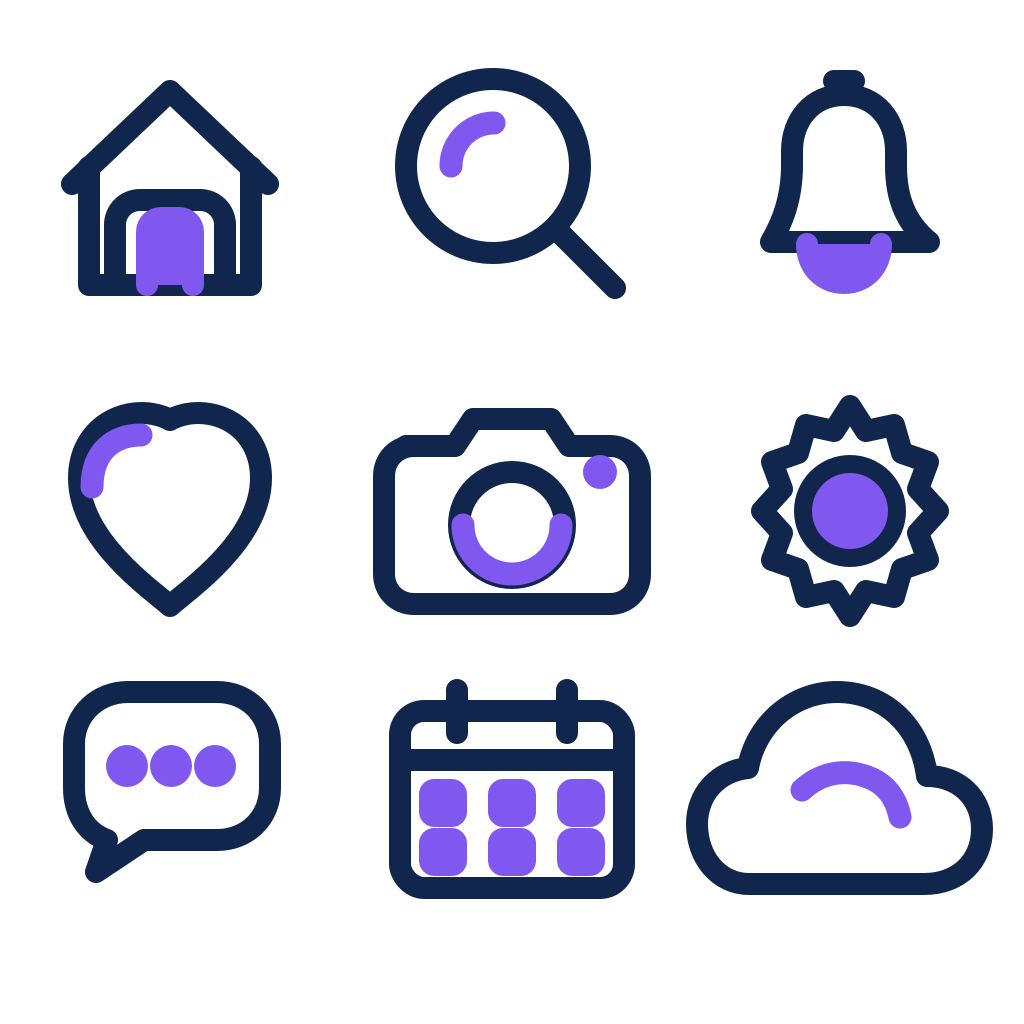
Use AiWings to make a flat SVG icon of a small rocket taking off, in coral, navy and cream, with a transparent background.SVGs take longer than normal images. If the first check comes back unfinished, the agent asks again until the file is ready. Here’s the kind of result you get:



Step 3: Save it into your project
This is where Cursor shines. Ask the agent to download the image into your assets folder and wire it into the code in the same request. You review the diff like any other change.
Save that SVG to public/icons/rocket.svg and use it in the Hero component at 48 pixels. If it’s simple enough, turn it into a React component with a color prop.Because an SVG is plain text, the agent can read and change the file too: swap a color, remove a shape or split a set of icons into separate files.
SVG at a glance
SVG works the same way everywhere you add AiWings:
| What | Details |
|---|---|
| Price | A flat 25 credits ($0.25) per file |
| Models | GPT Image 2.6 Flare (the default) or Sunburst |
| Backgrounds | Normal or transparent |
| Time | Most of our samples took 15 to 90 seconds, up to about two minutes |
| References and edits | Not available. SVGs are new images only |
The price is at the top-up rate of $0.01 per credit, and plans include more credits per dollar. Your default image model doesn’t change.
Tips for app assets
- Say “with a transparent background” so icons sit on any page.
- Keep icons simple. A few bold shapes read better at 24 pixels than lots of fine detail.
- Ask for a whole set in one request. Icons made in one image match each other, and the agent can split the file afterwards.
- For standard icons like search or settings, an icon library is usually faster. Generate the ones a library doesn’t have.
If something doesn’t work
- The agent says it can’t make them: check that AiWings is enabled in Cursor Settings → MCP and that you’re in Agent mode.
- AiWings shows a red dot: click Connect again and finish the sign-in in your browser.
- No tools listed: check that the URL in mcp.json is exactly https://aiwings.io/api/mcp, then restart Cursor.
- Out of credits: top up from your AiWings dashboard, then ask the agent to try again.
Bottom line
Cursor can already write simple SVG code. With AiWings added, it can also make custom icons, logos and illustrations, save them to your project and use them in your code in one request. The same server also gives Cursor images and videos from many other models.
FAQ
Can’t Cursor already write SVG code?
Yes, and for a simple shape that’s often enough. Cursor writes that code by hand, without seeing a picture. AiWings starts from an image model and turns the result into vector shapes, which helps when you want something richer, like a detailed logo or an illustration.
Are these real vector files?
Yes. You get an .svg file made of shapes and paths, not a PNG wrapped in an SVG. You can open it in design tools and code editors.
Can I edit an SVG after it’s made?
Not by asking the model, since SVG makes new images only. Run a new prompt, or edit the file directly in a design tool or code editor.
Do the free credits cover an SVG?
No. New accounts start with enough for a few regular images, and an SVG costs 25 credits, so you’d need a plan or a top-up first.
Should I add it for one project or all of them?
Use ~/.cursor/mcp.json to add it to every project, or .cursor/mcp.json inside a repo to add it to that project only, for example to share the setup with your team.