
ChatGPT’s own images come back as pixels, and the SVG code it writes by hand is usually simple. With AiWings added as a plugin, you can ask for an SVG and get a real vector file back in the conversation.
What you need
- A ChatGPT account on a plan that lets you add custom MCP plugins.
- An AiWings account (sign in with Google). Usage comes from your AiWings credits.
- About two minutes.
Step 1: Add AiWings to ChatGPT
You only do this once. After that, SVG generation is available in every new ChatGPT chat.
- 1In ChatGPT, open Plugins in the sidebar and click Add.
- 2Choose Add custom MCP server and name it AiWings.
- 3Paste the server URL below and keep Authentication set to OAuth.
- 4Tick the confirmation box and click Create as a plugin.
- 5Sign in to AiWings when the window opens and allow access.
https://aiwings.io/api/mcpStep 2: Ask ChatGPT for an SVG
Start a new chat and say “use the AiWings plugin”. Otherwise ChatGPT may make a regular image or write the code itself. Ask for an SVG and describe what you want, and the file comes back in the conversation.
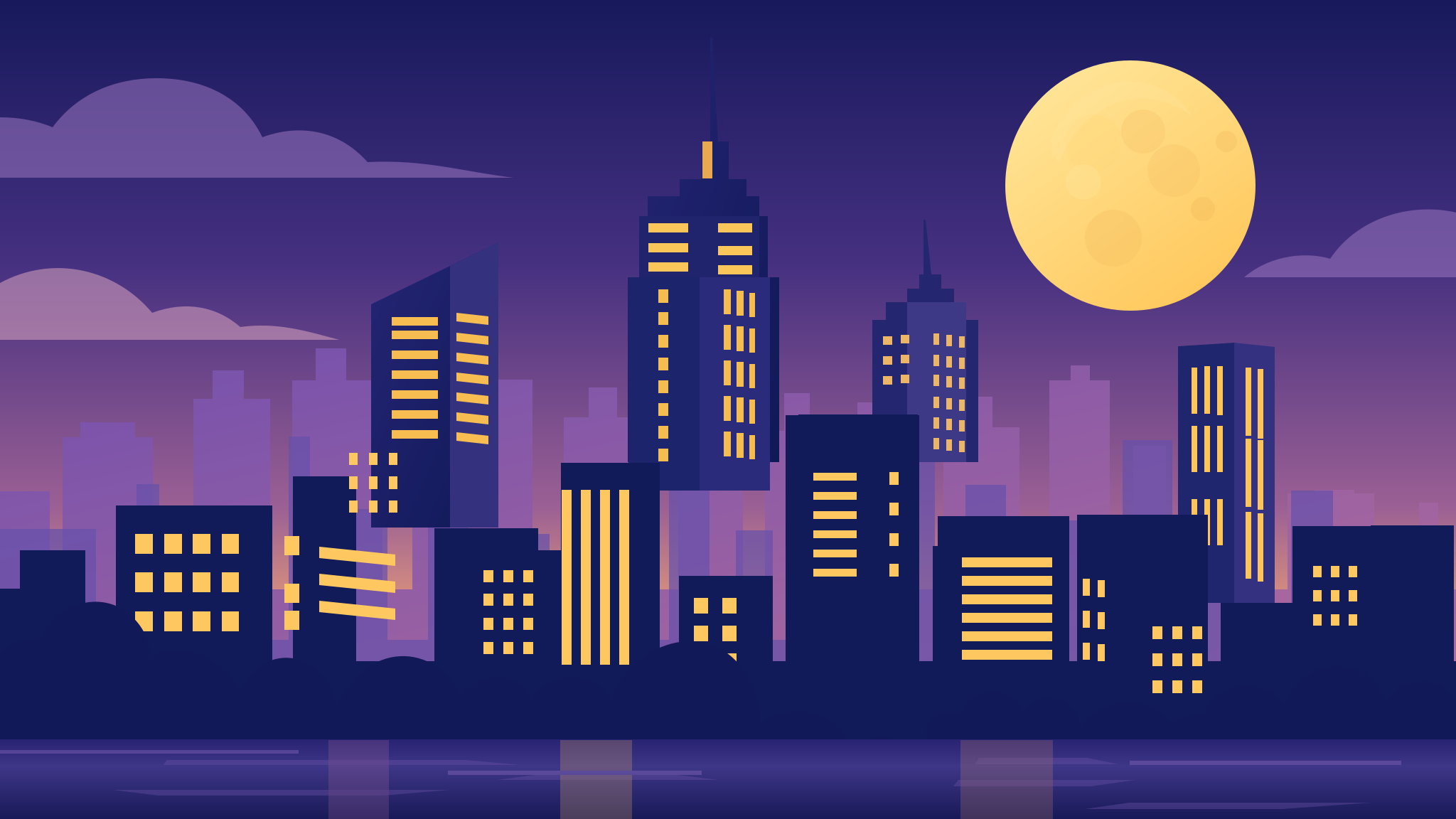
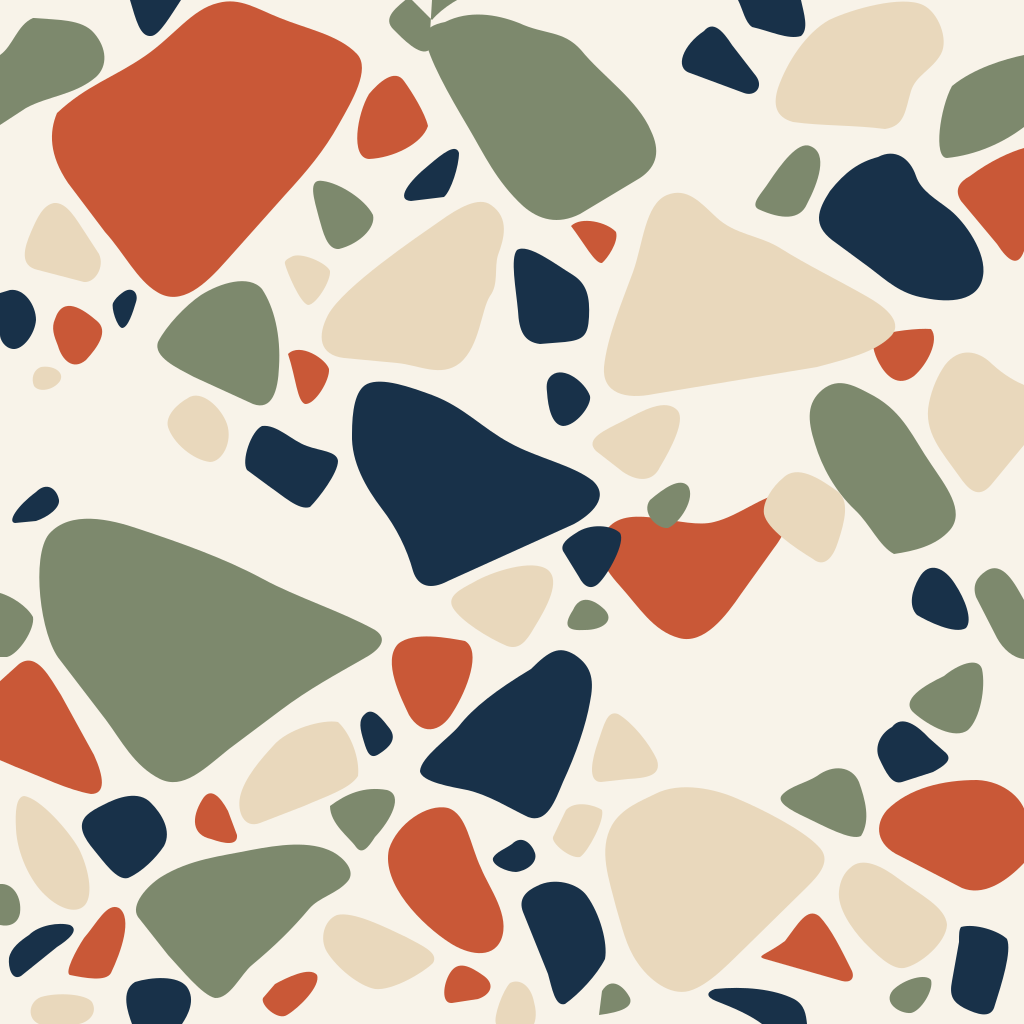
Use the AiWings plugin to make an SVG illustration for my website hero: a stylized city skyline at dusk with layered buildings, lit windows and a large moon, in violet, navy and warm yellow. Use 16:9.SVGs take longer than normal images. If ChatGPT says it’s still working, ask it to check again. Here’s the kind of result you get:


SVG at a glance
SVG works the same way everywhere you add AiWings:
| What | Details |
|---|---|
| Price | A flat 25 credits ($0.25) per file |
| Models | GPT Image 2.6 Flare (the default) or Sunburst |
| Backgrounds | Normal or transparent |
| Time | Most of our samples took 15 to 90 seconds, up to about two minutes |
| References and edits | Not available. SVGs are new images only |
The price is at the top-up rate of $0.01 per credit, and plans include more credits per dollar. Your default image model doesn’t change.
Tips for better SVGs in ChatGPT
- Say “with a transparent background” for logos and icons, so they sit on any page.
- Keep it flat and simple. Name one subject and two or three colors, since a clear brief gives the cleanest shapes.
- Keep words short. They usually come back as live text in a common font, so check the spelling and convert the text to outlines before final use.
- For the best logos, add “mark only, no lettering” and set your wordmark yourself.
If something doesn’t work
- ChatGPT made the image itself or said it can't: start the request with “Use AiWings” or “Use the AiWings plugin”.
- The plugin isn’t listed: check that it’s turned on for the chat, or remove it and add it again with the same URL.
- Sign-in loops: allow pop-ups for chatgpt.com and finish the AiWings sign-in in the same browser.
- Out of credits: top up from your AiWings dashboard, then ask ChatGPT to try again.
Bottom line
A real vector file isn’t a setting you can switch on in ChatGPT, but with AiWings added as a plugin it’s one sentence away. The same plugin also gives ChatGPT images and videos from many other models, all from one balance.
FAQ
Can’t ChatGPT already write SVG code?
Yes, and for a simple shape that’s often enough. ChatGPT writes that code by hand, without seeing a picture. AiWings starts from an image model and turns the result into vector shapes, which helps when you want something richer, like a detailed logo or an illustration.
Are these real vector files?
Yes. You get an .svg file made of shapes and paths, not a PNG wrapped in an SVG. You can open it in design tools and code editors.
Can I edit an SVG after it’s made?
Not by asking the model, since SVG makes new images only. Run a new prompt, or edit the file directly in a design tool or code editor.
Do the free credits cover an SVG?
No. New accounts start with enough for a few regular images, and an SVG costs 25 credits, so you’d need a plan or a top-up first.
Which ChatGPT plans can add the plugin?
Any plan where ChatGPT lets you add a custom MCP server as a plugin. Availability depends on your plan and workspace settings, so check the Plugins page in ChatGPT.