
Want GPT Image in your own app, script or automation? This guide shows how to make images with it through the AiWings API, step by step. One AiWings key covers every GPT Image version from 1.5 to 2.6, edits from reference images, and even SVG and GIF output. You pay per image from your AiWings credits and get back a permanent link to every file.
What you need
- An AiWings account. Sign in with Google; new accounts get 10 free credits, enough for a medium-quality GPT Image 2.5 image.
- An AiWings API key, which you create in the next step.
- Somewhere to run code on a server: a script, a backend route, a serverless function or an automation tool that can send HTTP requests. Keys don’t work from browser or mobile app code, where anyone could read them.
Step 1: Create an API key
- 1Sign in to AiWings and open the API page in your dashboard.
- 2Click Create key, give it a name (for example “my-app production”) and, if you like, a monthly credit limit.
- 3Copy the key. It starts with aiw_live_ and is shown only once.
- 4Save it as an environment variable on the machine or service that will call the API.
export AIWINGS_API_KEY="aiw_live_your_key_here"The API uses the same credits as AiWings in ChatGPT, Claude and the dashboard, so there’s no separate plan to buy. Every request sends the key in the Authorization header as a Bearer token.
Step 2: Choose a GPT Image model
Pick the version with the model field and the level of detail with quality. Higher quality costs more and takes longer:
| Model | model value | quality | Cost per image | Best for |
|---|---|---|---|---|
| GPT Image 2.6 Flare | gpt-image-2.6-flare | low, medium, high, xhigh, max | 7–63 credits ($0.07–$0.63) | Fast everyday images and edits, plus SVG and GIF |
| GPT Image 2.6 Sunburst | gpt-image-2.6-sunburst | low, medium, high, xhigh, max | 7–63 credits ($0.07–$0.63) | The most detail and precise edits, plus SVG and GIF |
| GPT Image 2.5 Flare | gpt-image-2.5-flare | low, medium, high, xhigh, max | 2–63 credits ($0.02–$0.63) | The lowest-cost GPT Image |
| GPT Image 2.5 Sunburst | gpt-image-2.5-sunburst | low, medium, high, xhigh, max | 2–63 credits ($0.02–$0.63) | Detailed images and edits for less |
| GPT Image 2 | gpt-image-2 | low, medium, high | 2–16 credits ($0.02–$0.16) | Strong instruction following and text |
| GPT Image 1.5 | gpt-image-1.5 | low, medium, high | 2–17 credits ($0.02–$0.17) | Edits that keep faces and details consistent |
Prices are at the top-up rate of $0.01 per credit, and plans include more credits per dollar. Each finished job reports exactly what it cost in its credits field, and GET /v1/models lists every price. Every version takes up to 10 reference images, and aspect_ratio accepts shapes like 16:9 or exact sizes like 3840x2160.
Step 3: Make your first image
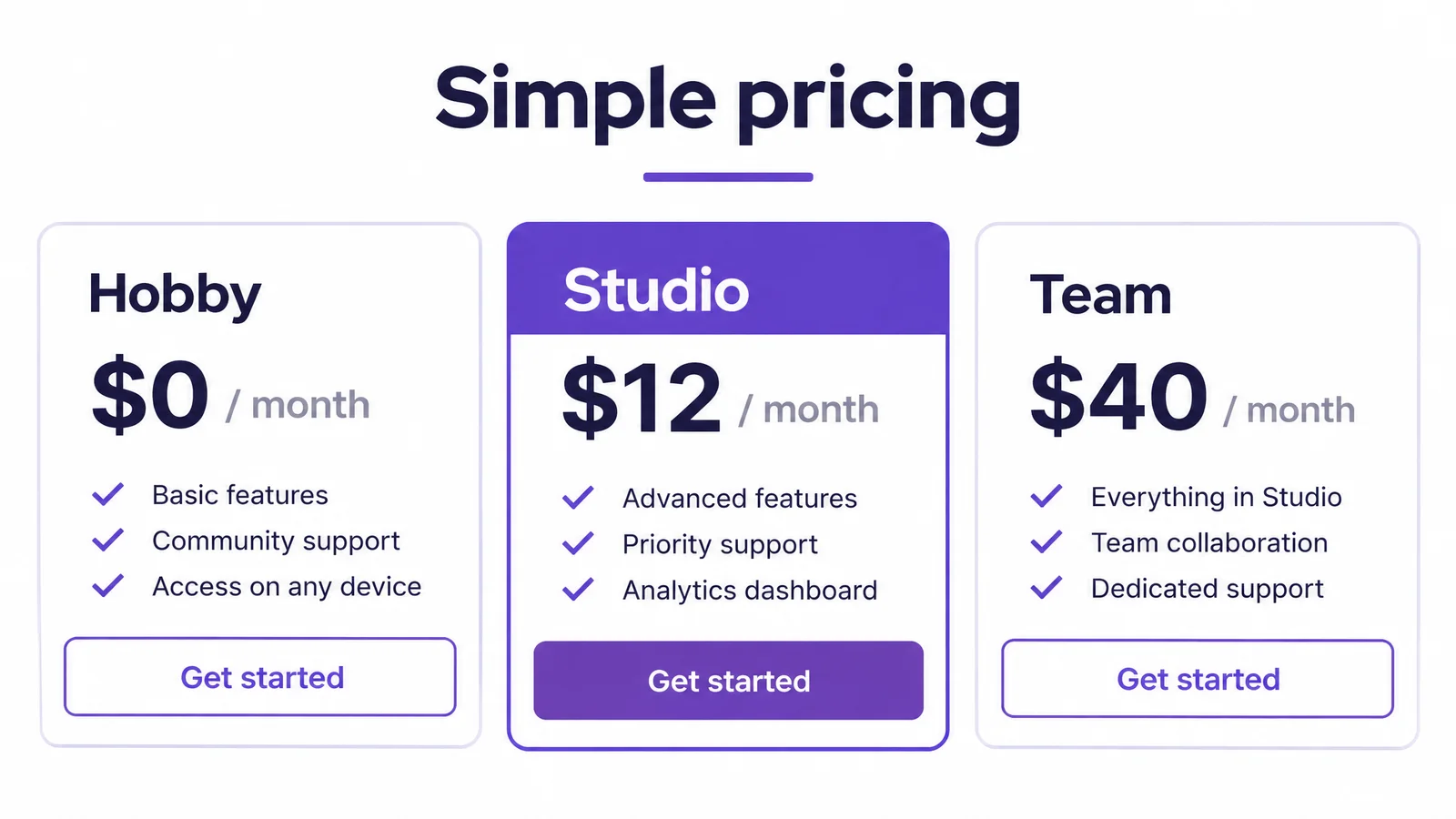
Send a POST request to /v1/images with a prompt, the model and a quality. With "wait": true you get the finished image back in the same call. GPT Image is strong at readable text, so this one is a full pricing page, made with GPT Image 2.6 Flare at medium quality for 12 credits ($0.12):
1curl https://aiwings.io/api/v1/images \2-H "Authorization: Bearer $AIWINGS_API_KEY" \3-H "Content-Type: application/json" \4-d '{5"prompt": "A clean website pricing page titled Simple pricing with three plan cards named Starter, Pro and Team, monthly prices and a highlighted middle card",6"model": "gpt-image-2.6-flare",7"quality": "medium",8"aspect_ratio": "16:9",9"wait": true10}'11# Still "processing"? Ask again with the id:13curl "https://aiwings.io/api/v1/images/IMAGE_ID?wait=30" \14-H "Authorization: Bearer $AIWINGS_API_KEY"
With "wait": true the request holds until the image is ready, for up to 60 seconds, so most images come back in one call with status "succeeded". Higher quality settings can take longer; if the status is still "processing", the loop asks again with GET /v1/images/{id}?wait=30.
output.url is a permanent link to the file. If an image fails, status is "failed", error.message says why, and the credits are refunded automatically. Every image you make through the API also shows up in your AiWings library.
Step 4: Edit an image with references
To change an image you already have, pass public image URLs in reference_images (up to 10) and describe the change. Already made it with AiWings? Pass its id as source_generation_id instead.
1curl https://aiwings.io/api/v1/images \2-H "Authorization: Bearer $AIWINGS_API_KEY" \3-H "Content-Type: application/json" \4-d '{5"prompt": "Show this coffee bag in five colorways side by side, matte cream, deep cobalt, sage green, terracotta and black, same lighting and angle",6"model": "gpt-image-2",7"quality": "medium",8"aspect_ratio": "3:2",9"reference_images": [10"https://example.com/coffee-bag.png"11],12"wait": true13}'14# Still "processing"? Ask again with the id:16curl "https://aiwings.io/api/v1/images/IMAGE_ID?wait=30" \17-H "Authorization: Bearer $AIWINGS_API_KEY"
To upload a file from your computer first, use POST /v1/uploads, then pass the url it returns in reference_images. The API docs show the full flow.
Step 5: Get an SVG or a GIF
GPT Image 2.6 can also return a real vector SVG or a short looping GIF from the same endpoint. Add format to the request; the price is flat whatever the quality:
SVG:  "format": "svg", "background": "transparent"   (25 credits ($0.25))
GIF:  "format": "gif"   (16 credits ($0.16))
SVGs can take up to about two minutes, which is why the examples above ask again while the status is still processing.
See what GPT Image makes
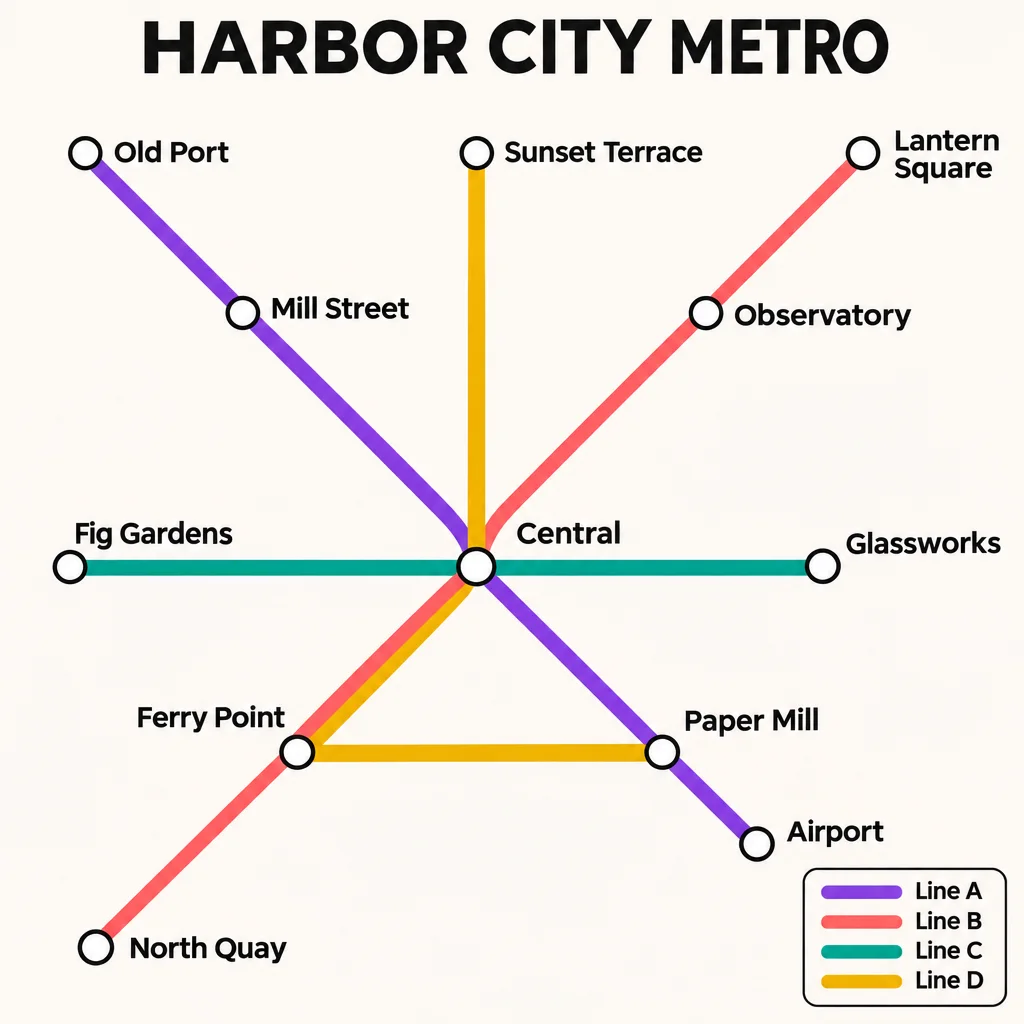
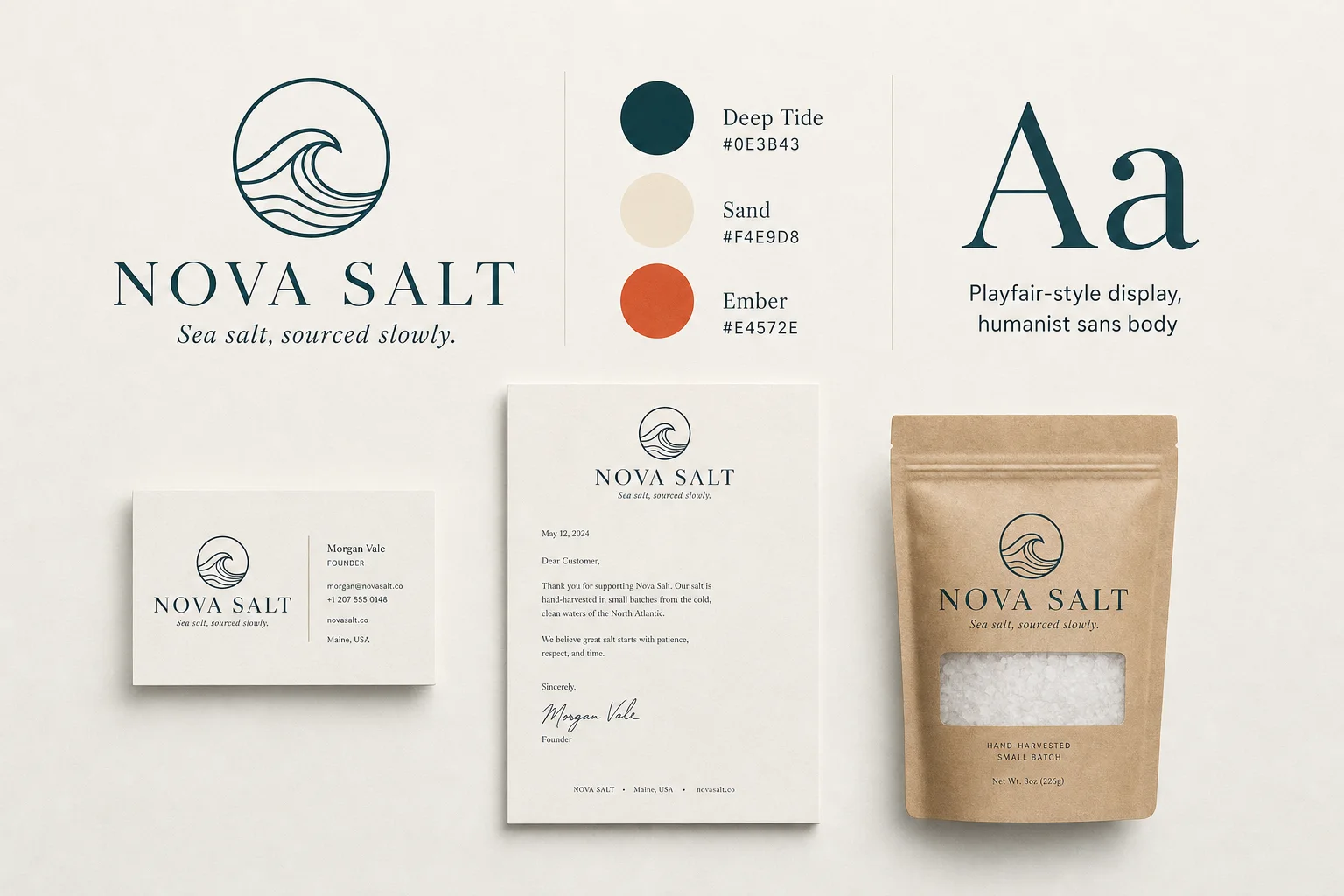
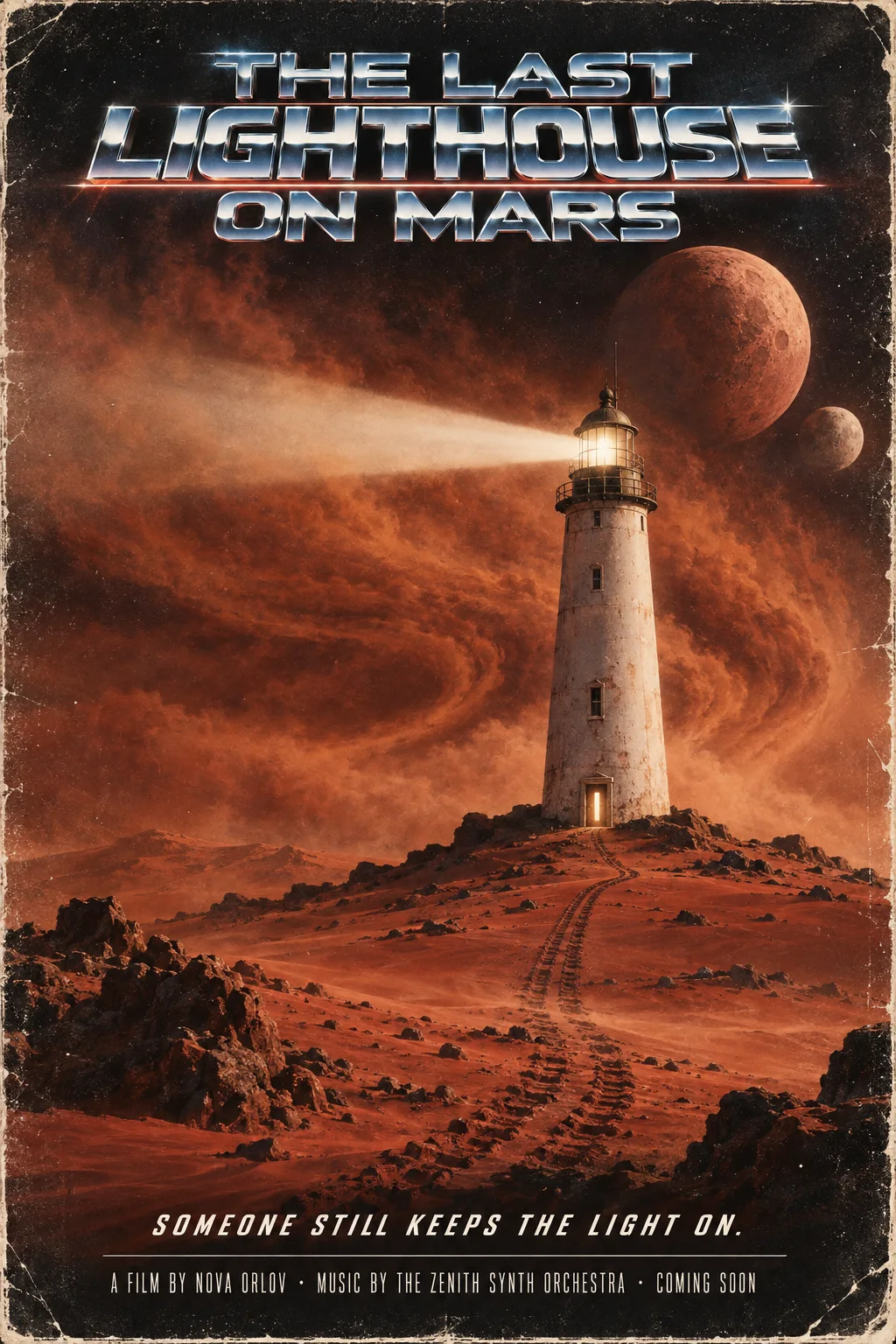
Real, unedited GPT Image results, each made from a single request.
More models with the same key
Your key isn’t limited to GPT Image. The same key, balance and request format cover every video and image model on AiWings. To switch, change the model field: video models go to POST /v1/videos and image models to POST /v1/images.
| Model | model value | Endpoint | From |
|---|---|---|---|
| Seedance 2.0 | seedance-2.0 | /v1/videos | 50 credits ($0.50) for 5 seconds at 480p |
| Seedance 2.5 | seedance-2.5 | /v1/videos | 65 credits ($0.65) for 5 seconds at 480p |
| MiniMax H3 | minimax-h3 | /v1/videos | 50 credits ($0.50) for 5 seconds at 768p |
| MiniMax H3 Highspeed | minimax-h3-highspeed | /v1/videos | 20 credits ($0.20) for 5 seconds at 768p |
| MiniMax H3 Lite | minimax-h3-lite | /v1/videos | 10 credits ($0.10) for 5 seconds at 480p |
| GPT Image 2.6 Flare | gpt-image-2.6-flare | /v1/images | 7 credits ($0.07) per image |
| GPT Image 2.6 Sunburst | gpt-image-2.6-sunburst | /v1/images | 7 credits ($0.07) per image |
| GPT Image 2.5 Flare | gpt-image-2.5-flare | /v1/images | 2 credits ($0.02) per image |
| GPT Image 2.5 Sunburst | gpt-image-2.5-sunburst | /v1/images | 2 credits ($0.02) per image |
| GPT Image 2 | gpt-image-2 | /v1/images | 2 credits ($0.02) per image |
| GPT Image 1.5 | gpt-image-1.5 | /v1/images | 2 credits ($0.02) per image |
| Nano Banana | nano-banana | /v1/images | 5 credits ($0.05) per image |
| Nano Banana 2 | nano-banana-2 | /v1/images | 8 credits ($0.08) per image |
| Nano Banana Pro | nano-banana-pro | /v1/images | 19 credits ($0.19) per image |
| Seedream 5 Lite | seedream-5-lite | /v1/images | 5 credits ($0.05) per image |
| Grok Imagine | grok-imagine | /v1/images | 3 credits ($0.03) per image |
| Flux Fast | flux-fast | /v1/images | 1 credit ($0.01) per image |
GET /v1/models returns the same list with every price, size and option, so your code can check what’s available instead of hard-coding it.
Things to know
- quality runs from low to max on the newer versions. Low is great for quick drafts; high and above take longer and cost more, so save them for finals.
- GPT Image follows long, specific prompts well. Spell out every word you want in the image in quotes, and it will usually render it exactly.
- aspect_ratio takes common shapes like 3:2 or 9:16, exact sizes such as 3840x2160, or auto to let the model choose.
- Send an Idempotency-Key header with each new job (the JavaScript and Python examples do). If a request times out and you retry with the same key, you get the same job back instead of paying twice.
- Each key has its own rate limit, and you can give each key a monthly credit cap so a bug in one app can’t spend your whole balance.
- Output URLs are public but unguessable, like a share link. Download the file to your own storage if you need to control who can see it.
If something goes wrong
- 401 authentication_failed: the key is missing, mistyped or revoked. Check the Authorization header reads Bearer followed by your key.
- 400 invalid_request: a field isn’t allowed for that model, for example a quality or aspect ratio it doesn’t support. The error’s param names the field to fix.
- 402 insufficient_credits: your balance can’t cover the image. Top up in the dashboard and send the request again.
- 403 spend_limit_reached: this key hit its monthly credit limit. Raise or remove the limit on the API page.
- 429 rate_limited or too_many_jobs: you’re sending too fast or have too many jobs rendering at once. Wait for the Retry-After time, or for a image to finish.
- The image failed with a content error: the prompt or image was blocked by the model’s safety filter. Reword it; the credits were already refunded.
Bottom line
One AiWings key gives your code every GPT Image version, with edits, SVG and GIF output, plus Nano Banana, Seedream, Flux and video models, all billed from one balance, with permanent links and automatic refunds on failures. Prefer no code? The same models work in ChatGPT and Claude.
FAQ
Is this the official OpenAI API?
No. AiWings is an independent service that runs GPT Image for you. You use an AiWings key and AiWings credits, with no OpenAI account or separate billing.
How much does a GPT Image image cost through the API?
It depends on the version and quality: from 2 credits ($0.02) for GPT Image 2.5 at low quality up to 63 credits ($0.63) for GPT Image 2.6 at max. Failed images are refunded.
What’s the difference between Flare and Sunburst?
Flare is the faster version for everyday images and edits. Sunburst puts more work into detail and precise edits. Both come in 2.5 and 2.6, and only 2.6 can return SVG and GIF.
Can I use it from n8n, Make or Zapier?
Yes, any tool that can send an HTTP request works. Send the POST request from Step 3; with "wait": true the response usually already contains the image URL.